What Type of Access Control Is Best for an Office?
Best Office Access Control
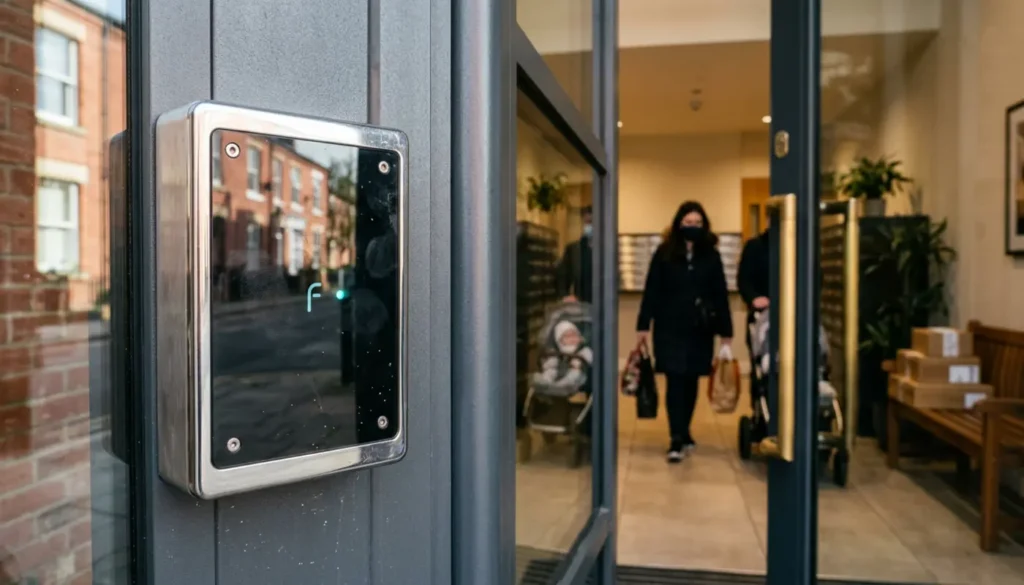
The best office access control for most UK businesses in 2026 is a professionally installed card or fob system with networked or cloud managed control. It gives each person their own credential, lets managers remove access quickly when someone leaves, and keeps a clear record of who entered each controlled door. The right choice still depends on your office size, number of doors, staff turnover, visitor flow, budget, and building layout.
For many offices, access control is not just a replacement for keys. It helps protect staff, private information, laptops, stock, server rooms, and staff only areas, while giving managers better control over who can enter specific spaces. It also reduces the stress of lost keys and makes day to day security easier to manage.
At iSecurity Solutions, we help UK homes and businesses stay protected around the clock with trusted security systems, including access control, CCTV, intruder alarms, fire safety, and construction site monitoring. Our team designs practical systems for real buildings, so your staff can move smoothly while unauthorised people are kept out.
Why Office Access Control Matters
Office access control matters because keys can be lost, copied, or not returned when someone leaves, while modern systems let you grant, change, and remove access quickly. If an employee leaves on Friday, you should not still be worrying on Monday about whether they have a key to the front door.
A well planned office access control system also supports health and safety, visitor control, incident checks, and data protection. It can separate public reception areas from staff only spaces, protect high value equipment, and help your team respond clearly if something goes wrong.
Quick Recommendation By Office Type
Small offices with one or two doors often do well with a keypad, card, or fob entry system, as long as user changes are managed properly. Growing offices usually benefit from networked card or fob access because individual credentials are easier to control than shared PIN codes.
Shared offices, serviced offices, and hybrid workplaces are often better suited to cloud managed access control, mobile credentials, or temporary visitor passes. Larger offices and corporate sites may need role based permissions, access zones, lift control, CCTV integration, intruder alarm links, and stronger reporting.
If you want to compare credentials before choosing, our plain English guide to key fob, smart card, biometric and app access control explains the main benefits and drawbacks of each option.
What An Office Access Control System Includes
An office access control system includes more than the reader on the wall. A typical setup may include an electronic lock, reader, controller, power supply, exit button, emergency release, user credentials, management software, and access logs.
The credential is what a person uses to prove they are allowed in, such as a PIN, card, fob, fingerprint, or smartphone pass. The controller is the part that makes the decision by checking whether that person has permission to use that door at that time.
Standalone systems can work well for simple sites, but they may become awkward when you have several doors or regular staff changes. Networked and cloud managed systems give you central control, quicker updates, and better reporting, which is why they are a stronger fit for busy offices.
Main Types Of Office Access Control
Keypad And PIN Access
Keypad access is simple because a person enters a code and the door unlocks if the code is valid. It is often affordable, easy to understand, and useful for low traffic doors, store cupboards, or small offices where simple control is enough.
The main weakness is accountability. If five people share one code, you cannot reliably prove who entered at 8:13pm, and the code may spread faster than office biscuits on a Friday afternoon. Better keypad systems support unique user PINs, code expiry, lockout after failed attempts, and audit logs.
Key Card And Fob Access
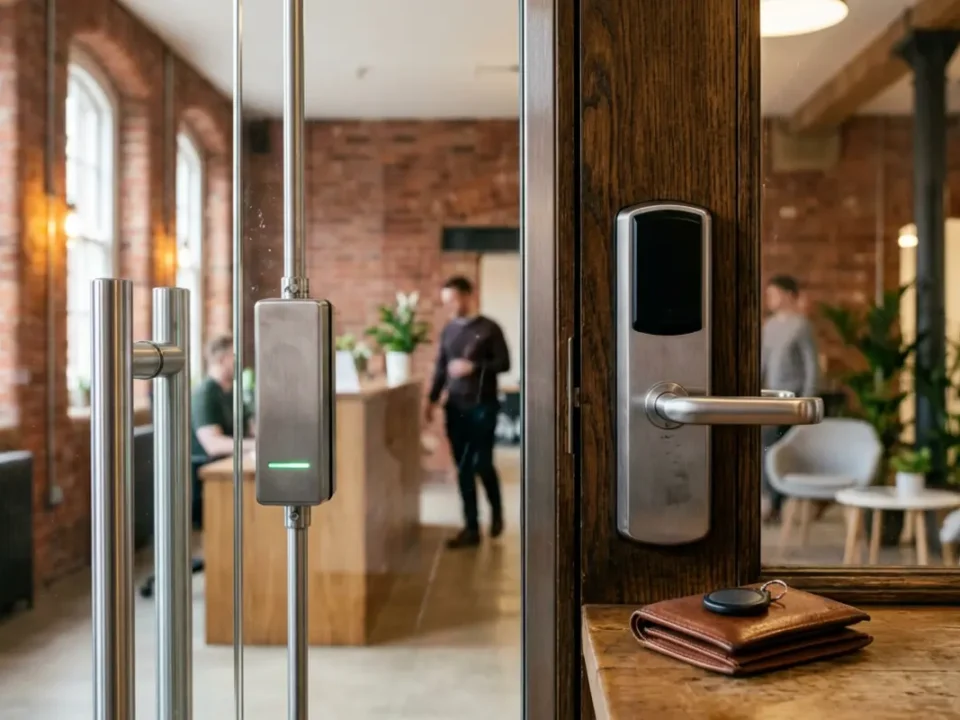
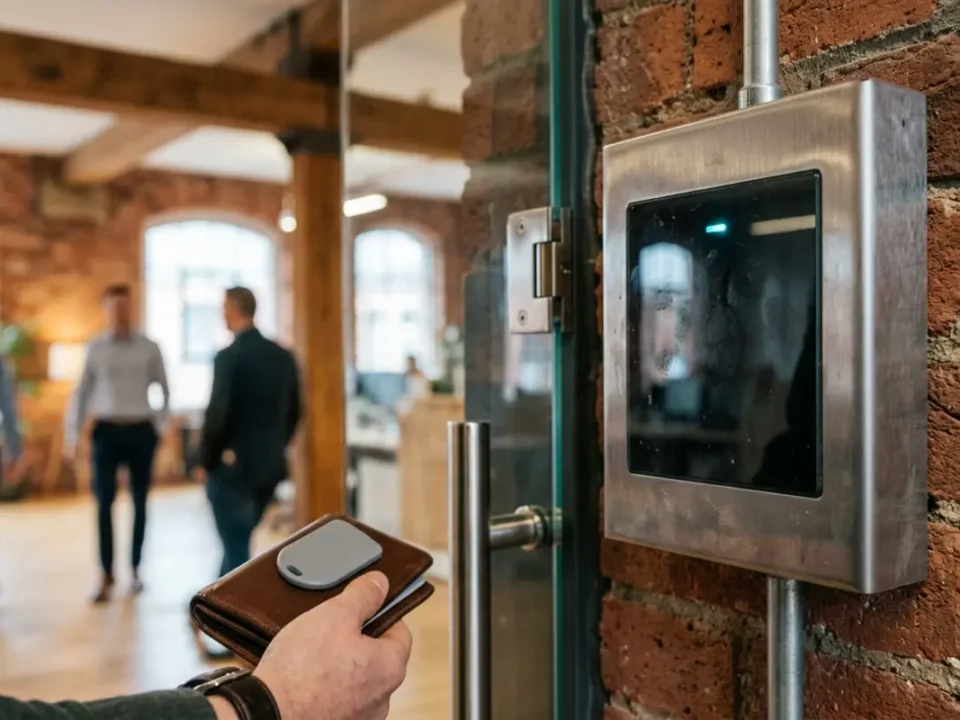
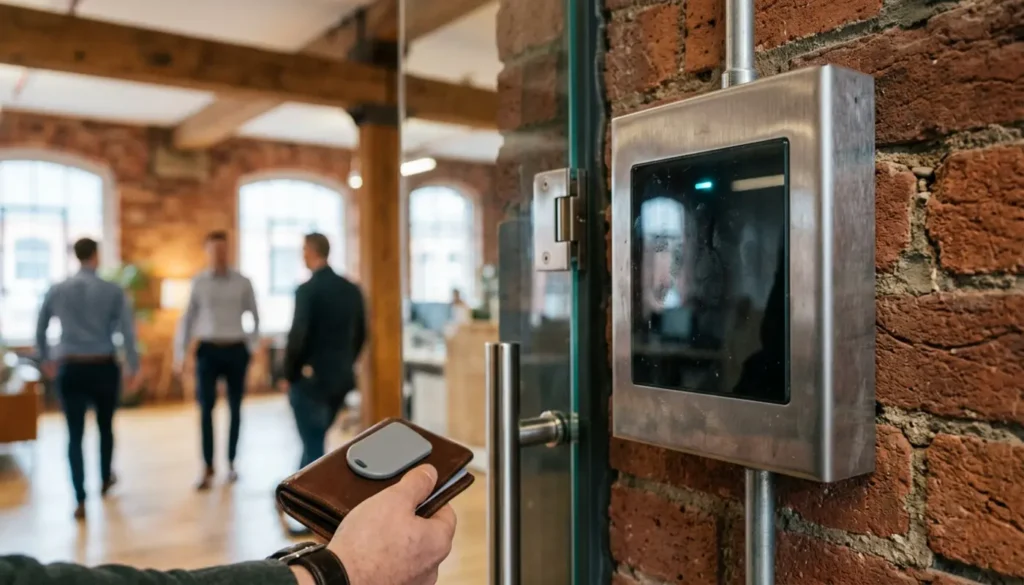
Cards and fobs are the most practical starting point for many offices because they are quick, familiar, and easy to remove from the system if lost. Each staff member can have their own access rights based on role, department, zone, and working hours.
A receptionist may need front door and visitor area access, while finance may need a records room, and IT may need the server room. If someone leaves, their card or fob can be disabled without changing locks or chasing spare keys around the office.
For businesses planning a new setup or upgrade, professional access control installation should include a proper door survey, credential plan, fire exit review, and handover training, not just fitting readers and hoping everything works.
Biometric Access Control
Biometric systems use physical features such as fingerprints, face patterns, or iris scans. They can be useful for selected high security rooms because the credential is linked to the person, which reduces card sharing.
Biometrics should not be chosen only because they sound advanced. In the UK, biometric data used to identify workers can be special category data, which means stronger legal duties apply under UK GDPR and the Data Protection Act 2018.
Before using biometric access, employers should record why it is needed, complete a Data Protection Impact Assessment, give staff clear information, protect templates securely, set retention periods, and offer a genuine alternative. The ICO guidance on biometric data is a useful official source for understanding these duties.
Mobile And Smartphone Access
Mobile access lets staff use a smartphone credential through Bluetooth, NFC, wallet passes, or an app. It is convenient for hybrid teams, contractors, and multi site organisations because access can often be issued and removed remotely.
The practical details still matter. You need to know what happens if a phone battery dies, a device is lost, a visitor has no compatible phone, or someone does not want to install a work app on a personal device. A good system should include fallback options, clear device rules, and a fast lost device process.
Cloud Managed Access Control
Cloud managed access control means the system is managed through an online platform rather than only from a local computer. It is useful when managers need remote changes, multi site visibility, central reporting, and easier user management.
The trade off is ongoing licensing and reliance on the supplier platform, so you should ask where data is hosted, whether doors still work during an internet outage, how logs can be exported, and what happens if the contract ends. Cloud can be excellent, but only when reliability and data handling are properly checked.

How To Compare Access Control Options
The best way to compare office access control is to look at security, convenience, growth, privacy, cost, and reliability together. A cheap keypad may be fine for a stock cupboard, but it is weak for a busy main entrance where you need to know exactly who entered and when.
- Keypads: Low cost and simple, but shared codes weaken audit trails and should be changed often.
- Cards and fobs: A strong everyday choice for most offices, with quick removal of lost cards and useful reporting.
- Biometrics: Useful for specific high security areas, but they carry the highest privacy duty and need careful staff communication.
- Mobile access: Flexible and modern, but it needs a backup plan for lost, flat, or incompatible phones.
- Cloud managed systems: Excellent for remote administration and growth, but subscriptions, outage behaviour, and data export must be checked.
Access control should fit the way your office works each day, not just look impressive on a product sheet. The smartest system is often the one staff can use easily while managers can control it without needing a long technical lesson every week.
Key Factors Before You Choose
Office Size And Door Count
Door count can matter more than headcount. A team of 20 in a building with one entrance may need a simpler system than a team of 20 spread across reception, meeting rooms, storage, a server room, and a rear staff entrance.
Walk the site and list every door that needs control, including external doors, internal restricted areas, shared corridors, lift lobbies, and plant rooms. Then decide which doors need full access control, which need monitoring only, and which simply need better physical locks.
Staff Changes And Visitor Volume
If your office has frequent joiners, leavers, contractors, or agency staff, avoid shared codes wherever possible. Individual credentials with expiry dates make life easier and reduce the risk of old access staying active after it should have been removed.
Visitor traffic also matters. Reception teams may need temporary passes, host approval, time limited access, and clear records of who has arrived and left, without collecting more personal data than needed.
Budget And Total Ownership Cost
Access control costs in the UK vary because every building is different. As a broad guide, a simple single door keypad or standalone reader may start from around £500 to £1,200 supplied and installed. A networked card or fob door commonly ranges from around £1,000 to £2,500 per door, depending on locks, cabling, controllers, credentials, and software. Larger multi door or integrated systems can range from several thousand pounds to £10,000 or more.
Cloud systems may add monthly or annual licences, often from around £5 to £20 per user or door per month, while biometric systems can add compliance, enrolment, and support costs. These figures are only a starting point, so a proper quotation should show VAT status, door quantities, equipment, licences, credentials, maintenance, call outs, software updates, and future expansion costs.
Best Access Control For Different Office Setups
Small Offices
For a small office, a card or fob system is usually the best balanced option if you want accountability without making daily use complicated. A keypad can still work for a small back door or storage room, but shared PINs should be managed carefully and changed whenever staff leave.
If the business is growing, it is worth choosing a system that can add more doors later. Saving a little now can become expensive if the whole system has to be replaced after your next office move or expansion.
Serviced And Shared Offices
Serviced and shared offices need tenant separation, quick user changes, temporary visitor access, and clear rules about who owns the access logs. Cloud managed cards, fobs, or mobile passes are often a strong fit because permissions can be updated quickly for different tenants and time periods.
Landlord and tenant responsibilities should be agreed in writing, especially for shared entrances, toilets, meeting rooms, out of hours access, and reception cover. Privacy notices should explain how visitor and access data is used, stored, and deleted.
Large Corporate Premises
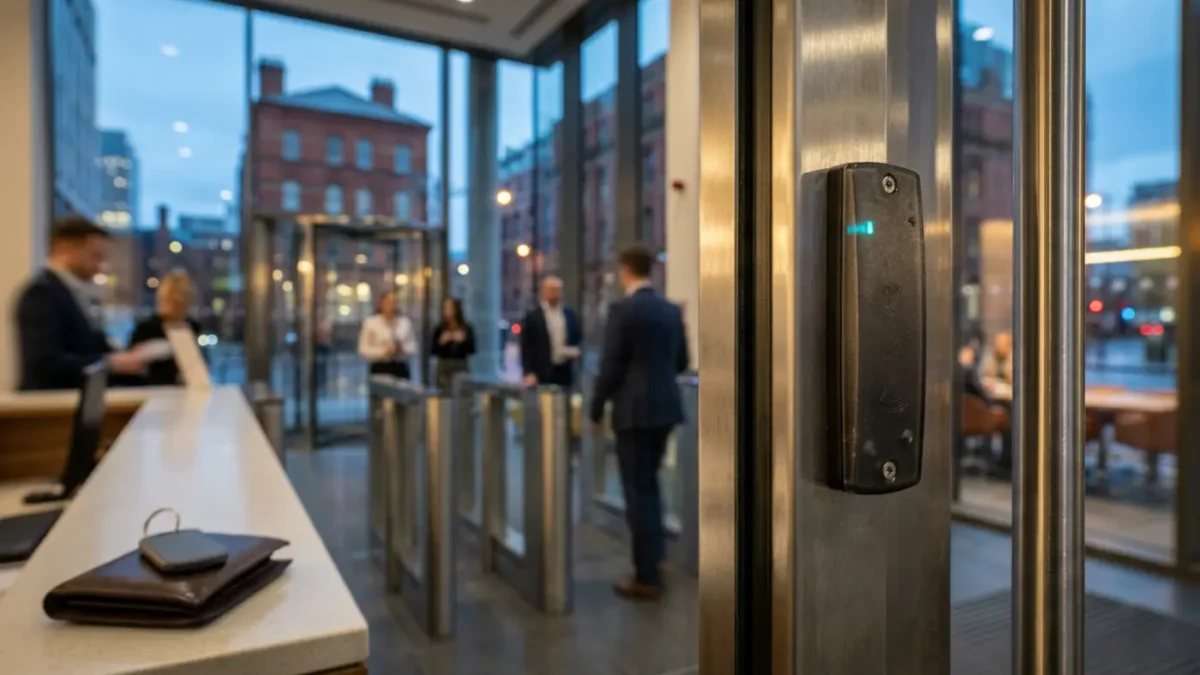
Large offices usually need zones, role based permissions, central administration, and integration with CCTV, visitor management, parking, lifts, or turnstiles. Anti passback may be useful where the system needs to stop one credential being used to let several people through.
Business continuity is vital at this scale. Ask what happens during power cuts, network problems, cloud outages, controller faults, and emergency evacuations because a secure system should never become a people trap.
UK Legal, Fire Safety And Standards Considerations
Access control systems process personal data when they record names, user IDs, access times, visitor details, mobile identifiers, or linked CCTV footage. Under UK GDPR and the Data Protection Act 2018, businesses should be clear about purpose, collect only what is needed, set retention periods, restrict administrator access, and explain monitoring to staff and visitors.
Fire safety is just as important as keeping unauthorised people out. Under the Regulatory Reform Fire Safety Order 2005, the responsible person must make sure escape routes and emergency exits can be used safely, so electronic door control must not stop immediate escape during an emergency.
In practical terms, this means fire alarm interfaces, emergency release devices, suitable lock behaviour, escape route checks, and regular testing. Access control should stop unwanted entry, not trap authorised people inside when they need to leave quickly. Final design should follow the fire risk assessment and advice from a competent installer.
For standards, BS EN 60839 is the key British and European series for electronic access control systems, covering system requirements, components, application, installation, commissioning, maintenance, and documentation. Accreditation is separate from product standards, so ask whether the installer is approved for the relevant scope and can provide design records, commissioning documents, and maintenance terms.
NSI and SSAIB certified, Insurance-Approved providers may be relevant depending on your wider security requirements, insurance expectations, and procurement policy. If access control is integrated with intruder alarms, the alarm should meet EN 50131, usually Grade 2 or Grade 3 depending on risk, and SSAIB certified, Insurance-Approved installation is normally a prerequisite for a Police Response URN where police response is required.
Integration With CCTV, Alarms And Office Systems
Access control becomes more useful when it works with other security systems. CCTV integration can match video with door events, helping managers investigate tailgating, forced doors, out of hours access, or disputes about who entered a restricted room.
Intruder alarm integration can create smarter alerts for forced doors, doors held open, or access outside normal hours. Care is needed so disarming an alarm does not automatically give a user more access than they should have.
Visitor management and time attendance can also connect with access control, but keep each purpose clear. Security logs should not quietly become workplace performance monitoring without a clear need, proper transparency, and suitable policies.
Installation And Procurement Checklist
A reliable office access control project starts with a site survey, not a guess over the phone. The installer should review doors, locks, cabling routes, power, fire exits, reception flow, restricted zones, data needs, and future expansion.
- Which doors need controlled entry, monitored exit, or both?
- Can permissions be changed without a service visit?
- What happens during a power, internet, or cloud outage?
- How are leavers removed and visitor passes expired?
- Where is access data stored, and how long is it kept?
- Can logs be exported if you change supplier?
- What maintenance, response times, and software updates are included?
- How are disabled users, visitors, and non smartphone users supported?
Final Thoughts
For most UK offices, the best access control choice is a card or fob system with networked or cloud managed administration because it balances security, cost, convenience, and future growth. Mobile access is a strong addition for hybrid and multi site teams, while biometrics should be kept for clearly justified areas where privacy duties can be properly managed.
The safest decision is not to buy by technology name alone. Arrange a proper survey, map your doors and users, check fire escape needs, review data protection duties, and ask for an itemised quotation that covers installation, licences, maintenance, and future growth.
If you would like a practical next step, speak to iSecurity Solutions about an office access control survey or quote. We will help you choose a system that fits your building, your team, and your budget, without making the whole process feel like a security exam.