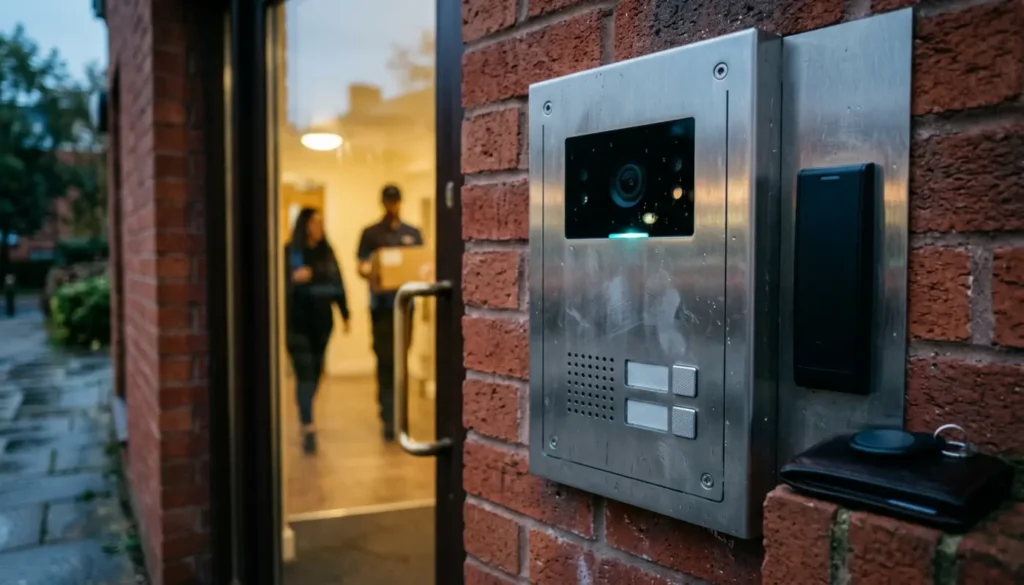
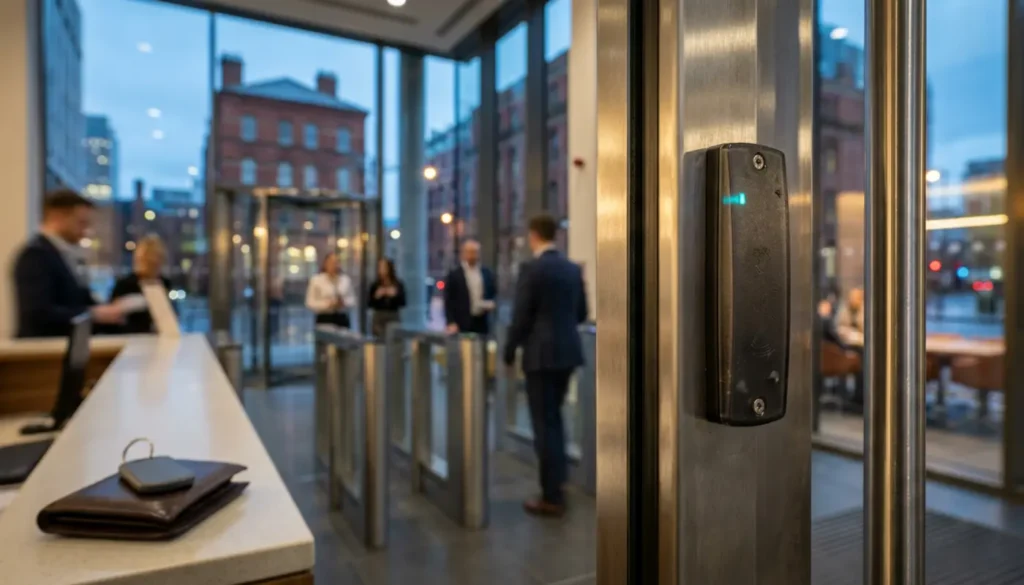
What Is Cloud-Based Access Control?
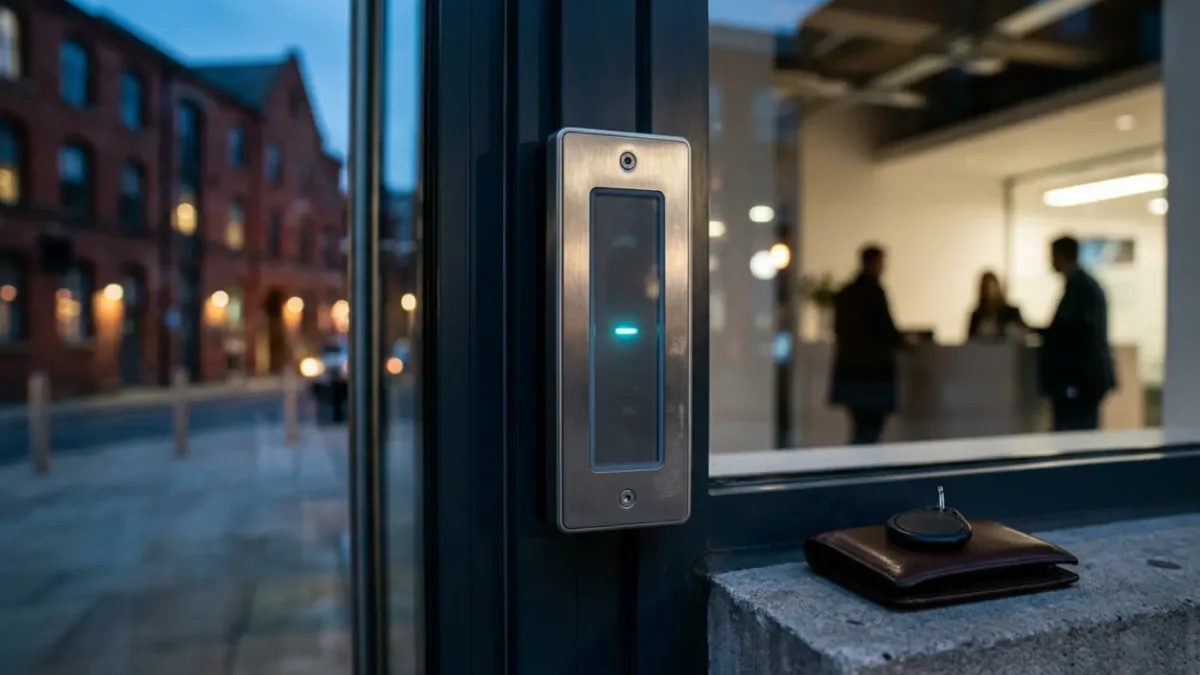
Cloud Based Access Control
Cloud Based Access Control is a secure way to manage who can enter your building, rooms or restricted areas through an online platform. Instead of relying only on keys, a local computer or a server hidden in a cupboard, authorised users can manage doors, staff permissions, visitor access and activity records through a web dashboard or mobile app.
Managing keys, staff access and several sites can quickly become stressful. One lost fob, one last minute contractor or one door schedule change can turn a simple task into a messy admin job. Cloud Based Access Control helps make daily security calmer, clearer and easier to control.
UK businesses are choosing cloud access control because working patterns have changed, offices are more flexible, and many organisations now manage several sites at once. If you have ever chased a missing key, cancelled a lost fob or updated door permissions from an old office PC, you will understand why cloud based management can feel like a welcome upgrade.
iSecurity Solutions is a trusted UK provider of commercial and domestic security systems, helping homes and businesses stay protected around the clock. From CCTV and intruder alarms to fire safety, access control and construction site monitoring, the team designs reliable, tailored solutions backed by responsive service and modern, remotely monitored technology.
What Is Cloud Based Access Control?
Cloud Based Access Control is a door security system that uses online software to manage access permissions, schedules, users and activity logs across one or more buildings. The door readers, locks and controllers are still fitted at your premises, but the management side is handled through a secure cloud platform.
Traditional on site systems usually depend on local software, a dedicated workstation or a server installed at the premises. These can still work well, but remote updates and multi site control are often harder to manage. With a cloud system, approved administrators can log in from a browser or mobile device to add staff, remove access, check events and adjust door rules.
The main difference is where the management system sits. In a cloud setup, the platform provider normally hosts the software, applies updates and supports central administration, while your organisation still remains responsible for using the system correctly and protecting personal data.
- Cloud based: Managed through a web dashboard or app, which is useful for multiple sites and remote teams.
- On site: Managed through local software or a server, often with more reliance on site based IT support.
- Hybrid: Combines local door control with cloud management, which can help where extra resilience is needed.
How Cloud Based Access Control Works
Cloud access control works through a simple chain of events. A person presents a credential, the reader captures it, the controller checks whether access is allowed, and the door lock either releases or stays secure.
A credential is the item or method someone uses to prove they are allowed in. It might be a key fob, smart card, smartphone app, PIN code, biometric identifier or temporary visitor pass. The reader is the device beside the door, while the controller is the hardware that applies the access rules and communicates with the lock.
If the internet drops just as people arrive for work, many systems can keep doors working because the controllers store permissions locally. The cloud connection is still needed for remote changes, live reports and synchronisation, but a well designed system should not leave staff stranded outside because the broadband has decided to be awkward.
Once access is granted or denied, the event is recorded in the cloud platform. That log may show the user, door, date, time and result, which can be useful for audits, incident checks and improving site security.
Main Parts Of A Cloud Access Control System
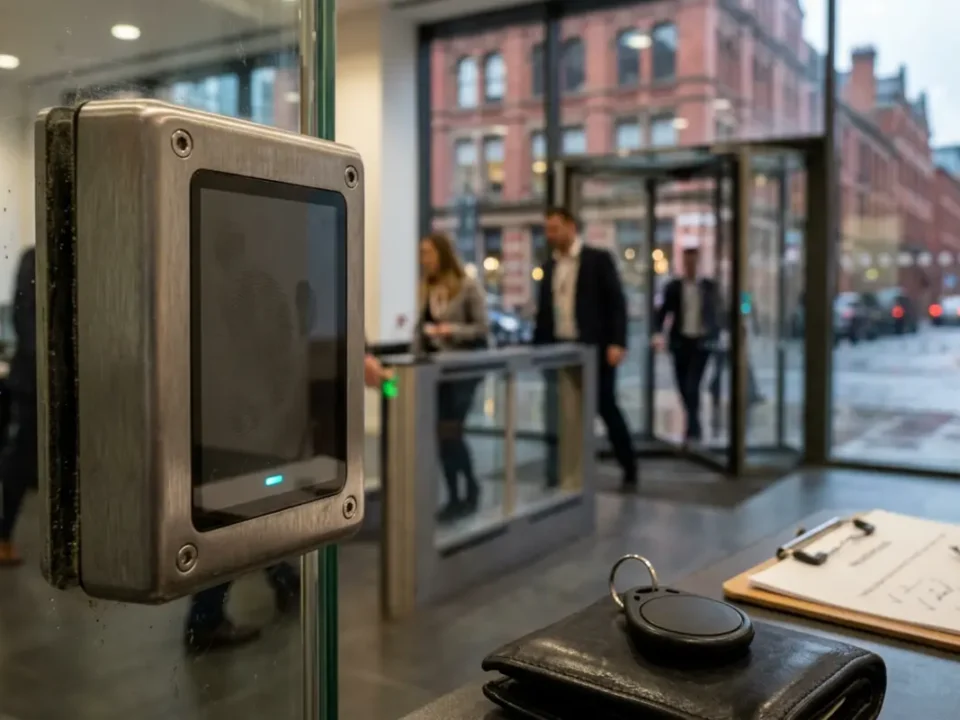
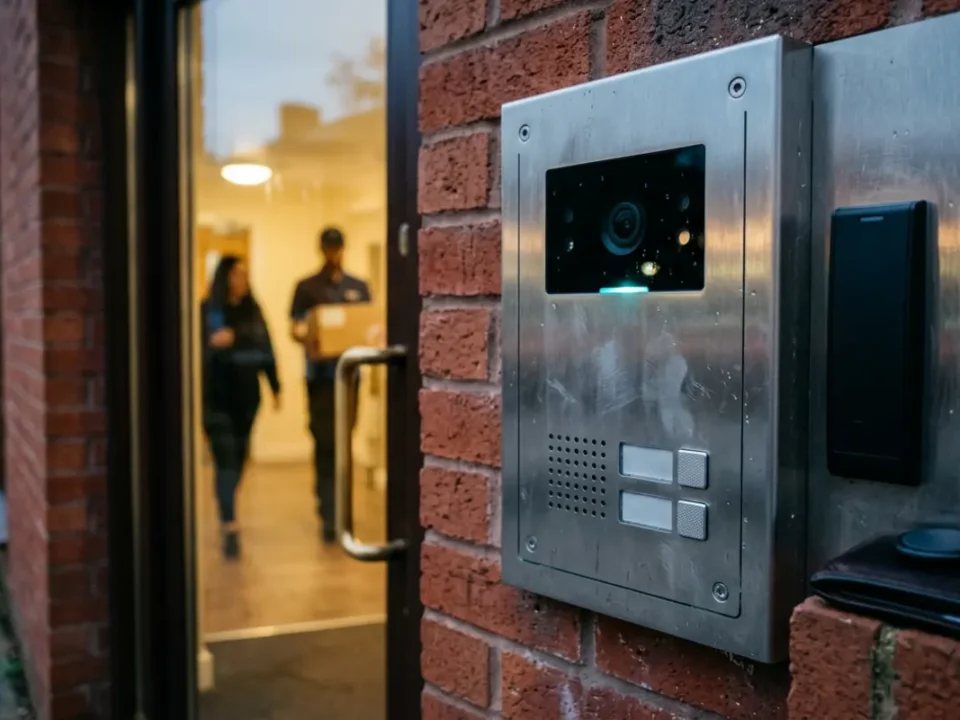
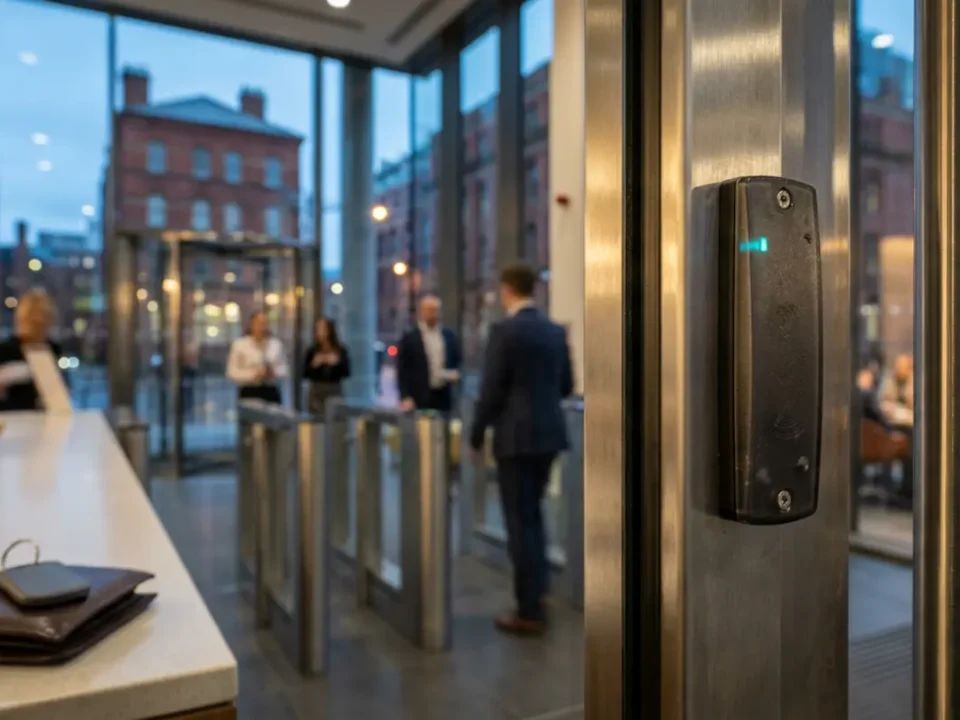
The most visible part of the system is usually the reader. This could be a slim card reader on an office door, a keypad at a gym entrance, a mobile enabled reader in a shared workspace, or a strong external reader fitted near a gate.
The controller is less noticeable, but it is vital. It links the reader to the lock and applies the access rules, including who can enter, at what time, and through which doors.
Credentials are the methods people use to prove who they are. Good credential management means issuing access, changing permissions, cancelling lost credentials and making sure shared codes are not passed around like the office biscuit tin.
The cloud platform stores system settings, users, permissions, schedules, events and reports, depending on the product. The administrator dashboard is where managers add users, create groups, set door schedules, review events and manage several sites.
For businesses comparing practical access options, access control systems should be planned around the building layout, staff movement, visitor flow, emergency escape routes and future growth, not just the number of doors being fitted today.
Remote Management And Real Time Control
Remote management is one of the biggest benefits of cloud door access control. If an employee leaves, an administrator can remove their access quickly without waiting for keys to be returned or fobs to be collected.
Managers can also create temporary access for contractors, adjust opening hours, unlock a door remotely where it is safe and supported, or apply lockdown settings where the system has been designed for that purpose. This is especially useful for multi site organisations, landlords, retailers and flexible offices where people come and go at different times.
It is important to be realistic, though. Remote does not always mean instant in every situation, because response times depend on connectivity, controller design, safety settings and user permissions.
Cloud Based Access Control Versus On Site Systems
On site systems can work very well, but they often need local servers, software updates, backups, licences and IT support. If the only trained administrator is away, or the server is ageing quietly under a desk, even simple changes can become a faff.
Cloud systems usually reduce the need for local server hardware and can make software updates easier. The provider may handle platform hosting, maintenance and updates, while your organisation focuses on managing users, permissions and site procedures.
Scalability is another key difference. A cloud platform can make it easier to add doors, users and locations, although physical wiring, locks, controllers, network capacity and licence costs still need checking before work begins.
Maintenance does not disappear just because the software is in the cloud. Locks, doors, readers, controllers, batteries, power supplies and network connections still need routine checks, and any system connected to intruder alarms or monitored CCTV should be reviewed with standards such as EN 50131, plus Police Response URN requirements where monitored alarm response is involved.
Credential Options For Staff And Visitors
Key fobs are familiar and simple, which is why many businesses still use them. The downside is that they can be lost, shared or copied depending on the technology, so quick cancellation and replacement processes are important.
Smart cards are useful for offices, schools and larger workplaces because they can support stronger identification and may also work with photo ID. Mobile credentials are popular for hybrid working, as people can use a smartphone app instead of carrying another plastic item.
PIN codes are convenient because there is nothing to issue, but shared codes are weaker because they can be seen, guessed or passed on. Biometrics, such as fingerprint or facial recognition, can offer strong identity checks, but they raise privacy, access and fairness questions that should be considered carefully.
Visitor passes are useful for guests, cleaners and contractors because access can be time limited. A good rule is to give every person their own credential wherever possible, because shared credentials make audit trails much less useful.
If you want a deeper comparison of everyday options, the practical pros and cons are explored in key fobs, smart cards, biometrics and app access control.
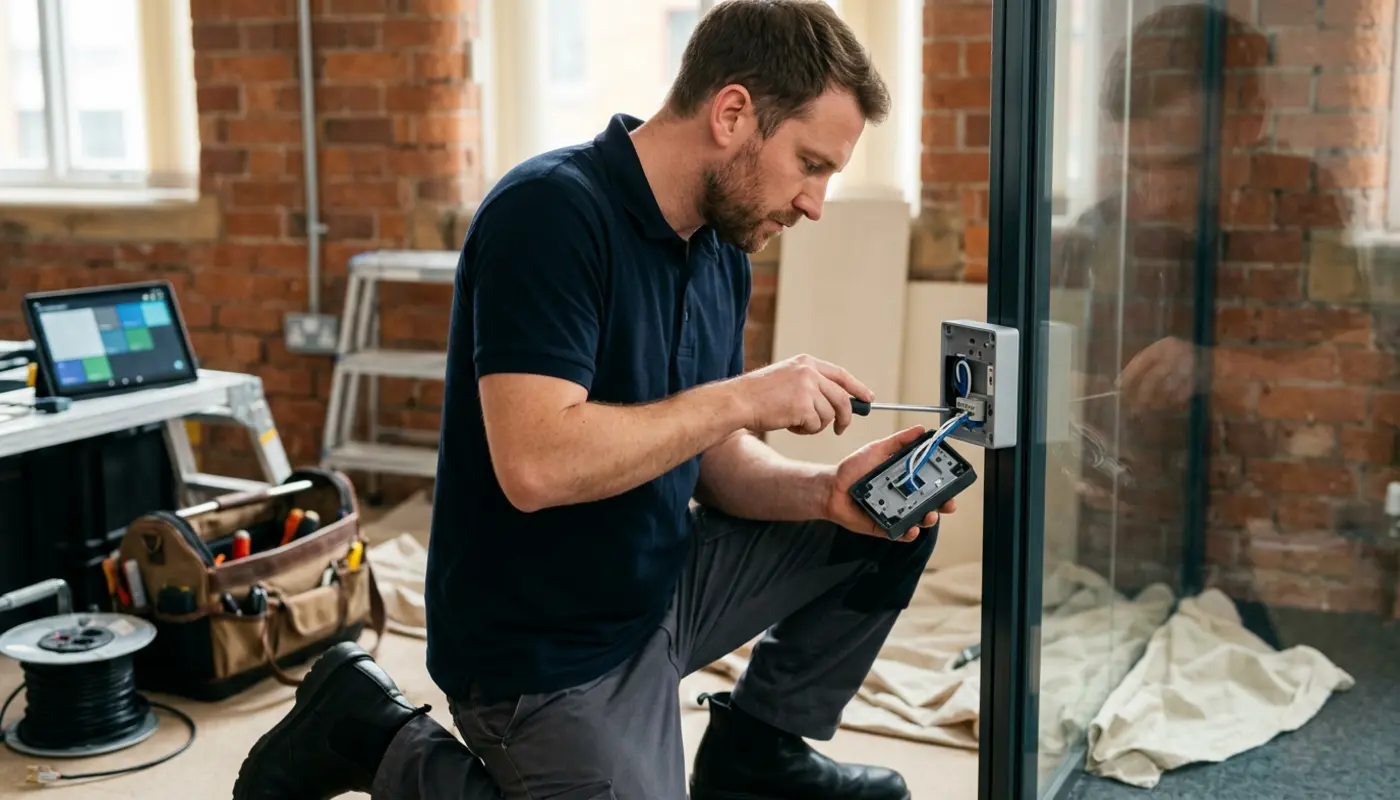
Integrating Access Control With Other Security Systems
Cloud access control becomes more useful when it connects with other building systems. CCTV integration can link door events with video footage, making it easier to check who entered and what happened at the same time.
Intruder alarm integration can help control authorised entry and reduce false alarms, but permissions must be designed carefully. Where alarm monitoring requires police response, recognised certification and correct documentation are usually needed, and installations should be SSAIB certified and Insurance Approved where required by insurers.
Visitor management integration can pre register guests, issue temporary credentials and automatically expire access when the visit ends. HR or payroll integration can also support joiner, mover and leaver processes, which simply means the system updates when someone starts, changes role or leaves.
Fire alarm release is a life safety issue, not just a convenience feature. Access control must never block safe escape, and interfaces with fire alarm systems should be designed by competent professionals in line with BS 5839 and the fire strategy for the premises.
Access control equipment and system design may also be considered against BS EN 60839 where relevant. This can help when a building needs a more formal approach to electronic access control planning, performance and documentation.
UK Legal And Security Considerations
Access logs often contain personal data because they can identify who entered a building, which door they used and when it happened. In simple terms, if the log can point back to a person, data protection rules matter.
Businesses should have a lawful reason for collecting access data, explain it clearly in privacy notices, keep data only as long as needed and restrict who can view it. The ICO gives helpful official advice in its guide to data security, including the need for suitable technical and organisational measures.
Data storage locations should be checked before choosing a platform. Ask where data is stored, whether support teams or subprocessors can access it, how long logs are kept, and what safeguards apply if data is processed outside the UK.
Cyber security is just as important as the door hardware. Look for multi factor authentication, role based administrator permissions, encryption, audit logs, update management, backups, incident processes and supplier security documents.
Cloud Access Control Costs In The UK
Cloud access control costs vary because every building is different. A single internal office door is not the same as a busy reception, an external gate, a school entrance or a multi site retail rollout.
One off costs may include readers, controllers, locks, exit buttons, emergency release devices, power supplies, cabling, network equipment, credentials, labour and commissioning. If you are replacing an older system, migration and removal work may also be needed.
Recurring costs may include cloud subscriptions, per door licences, per user licences, mobile credential fees, support, maintenance, connectivity and software features. Some systems look cheaper at installation but cost more over several years, so the sensible comparison is total cost of ownership.
As a practical 2026 budgeting approach, a small office should allow for hardware, installation and a modest monthly subscription, while a medium office with several controlled doors should budget for more controllers, door hardware and commissioning time. A multi site organisation should also allow for central administration, integrations, training, support response times and possible data export costs if it changes provider later.
Who Cloud Access Control Suits Best
Cloud based access control suits offices that use hybrid working, because permissions can follow staff schedules more easily. It also helps shared workspaces manage tenants, meeting rooms, visitors and time limited access without handing out endless keys.
Schools can benefit from controlled entrances, visitor processes and staff permissions, although safeguarding, emergency escape and data protection must be handled with extra care. Gyms can use access control for member entry, staff areas and extended opening hours.
Landlords and property managers can manage multiple buildings from one platform, provided responsibilities between owners, tenants and managing agents are clearly agreed. Retailers with several branches can apply consistent access rules while still allowing local managers limited control.
Some organisations may still prefer on site or hybrid systems. This can be sensible where internet connectivity is unreliable, older integrations are complex, local control is essential or subscription pricing does not suit the business model.
How To Choose A Provider And Installer
Start with practical questions. What happens if the internet goes down, which functions continue offline, how are permissions stored locally, and what happens when the connection returns?
Then ask about security and privacy. Where is data stored, who can access support data, is multi factor authentication available, are administrator actions logged, and can you export data if you leave the platform?
Commercial questions matter too. Check whether pricing is based on users, doors, sites or features, and ask about minimum terms, annual increases, support, call outs, replacement credentials and cancellation arrangements.
Installation quality is just as important as the software. Look for evidence of competence, clear documentation, commissioning, emergency escape planning, maintenance support, warranty terms and experience with similar buildings.
If you are unsure which route fits your building best, that is completely normal. A good installer should help you compare cloud and on site options in plain English, without making you feel as though you need an IT degree and a strong coffee just to open the door.
Cloud Access Control Checklist For 2026
Before choosing a system, confirm your number of doors, user groups, visitor needs, opening hours, site locations and future growth plans. It is much easier to design the right system at the start than to bolt on missing features later.
- Check door types, locks, exit routes and emergency release needs.
- Decide whether staff will use fobs, cards, phones, PINs or mixed credentials.
- Confirm offline behaviour during internet or platform outages.
- Review UK GDPR duties, data retention and administrator access.
- Ask about CCTV, intruder alarm, visitor and HR integration.
- Separate hardware, labour, subscription, VAT, support and maintenance in the quotation.
- Confirm who owns the hardware, data, configuration and credentials.
Final Thoughts On Cloud Based Access Control
Cloud based access control is not just a smarter version of a key fob system. It is a more flexible way to manage physical security, especially for organisations with hybrid working, multiple sites, changing staff or a need for better visibility.
The best systems combine sensible hardware, secure cloud software, good data protection practices and a reliable installer. If those parts are planned properly, cloud access control can save time, reduce risk and make everyday building management much less painful.
If you are tired of chasing keys, updating access from one old office computer or wondering who should still have permission to enter, iSecurity Solutions can help. Whether you are securing a single property or managing multi site assets, the team can help you compare cloud and on site options and plan a setup that fits the way your building really works.
Frequently Asked Questions
Is Cloud Based Access Control The Same As Keyless Entry?
Not quite. Keyless entry means people can open doors without a physical key, while cloud based access control means the system is managed through an online platform and may use fobs, cards, phones, PINs or biometrics.
Does Cloud Access Control Work Without Internet?
It depends on the controller and system design. Many systems store permissions locally so doors can still operate, but remote changes and live reporting usually need the connection to return.
Is Cloud Based Access Control Secure?
It can be very secure when the platform, hardware, network and administrator settings are properly configured. Look for multi factor authentication, encryption, audit logs, regular updates and clear user permission controls.
How Much Does Cloud Access Control Cost In The UK?
Costs depend on door count, hardware, installation complexity, credentials, integrations and subscription fees. Ask for a quotation that separates equipment, labour, software, VAT, maintenance and renewal costs.
Should I Use An NSI Or SSAIB Approved Installer?
Using an NSI or SSAIB certified and Insurance Approved installer is a sensible choice where insurers, site risk or connected security systems require recognised standards. It also supports better documentation, commissioning and long term maintenance.