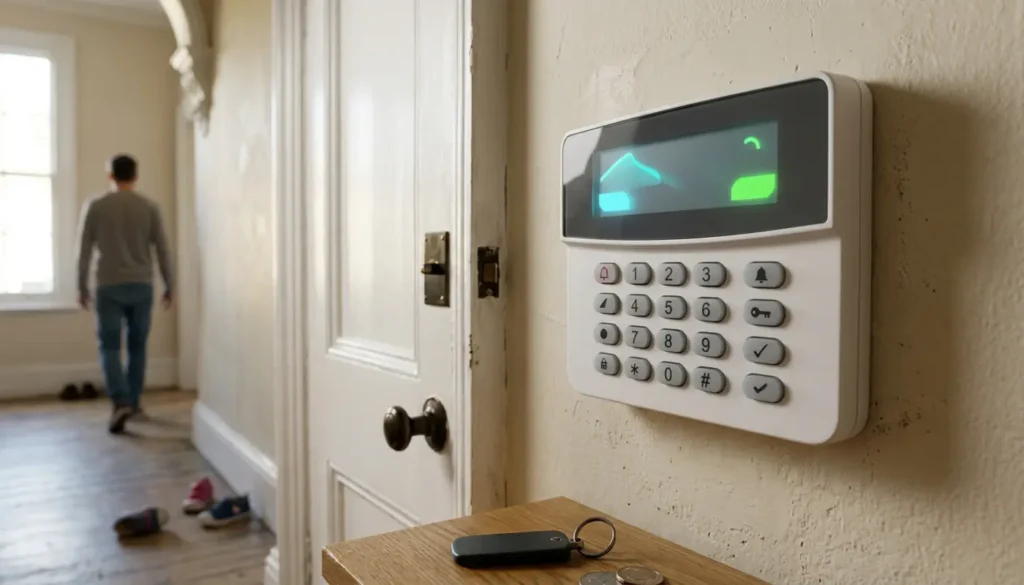
How to Replace Batteries in a Wireless House Alarm
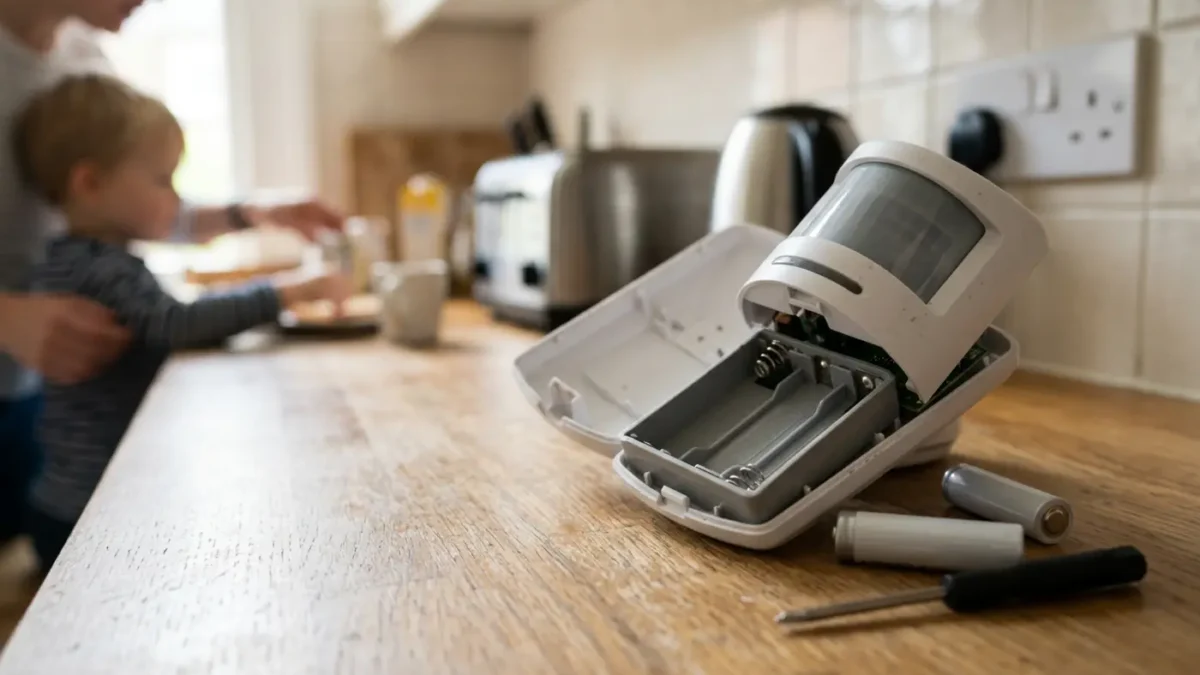
Wireless House Alarm Batteries
Wireless house alarm batteries should be replaced by identifying the exact alarm model, buying the correct battery type, disarming the system, using test mode or battery change mode where available, and changing one device at a time before testing every sensor. Many door contacts, PIR motion detectors, keyfobs and smart alarm accessories are designed for careful homeowner battery changes, but control panels, external sirens and monitored alarms need extra care.
If your alarm is beeping, showing a fault light, or sending a low battery app alert, the battery is usually weak rather than the whole alarm being broken. For homeowners who want a reliable system without guesswork, iSecurity Solutions helps with wireless alarms, servicing and practical security advice across the UK.
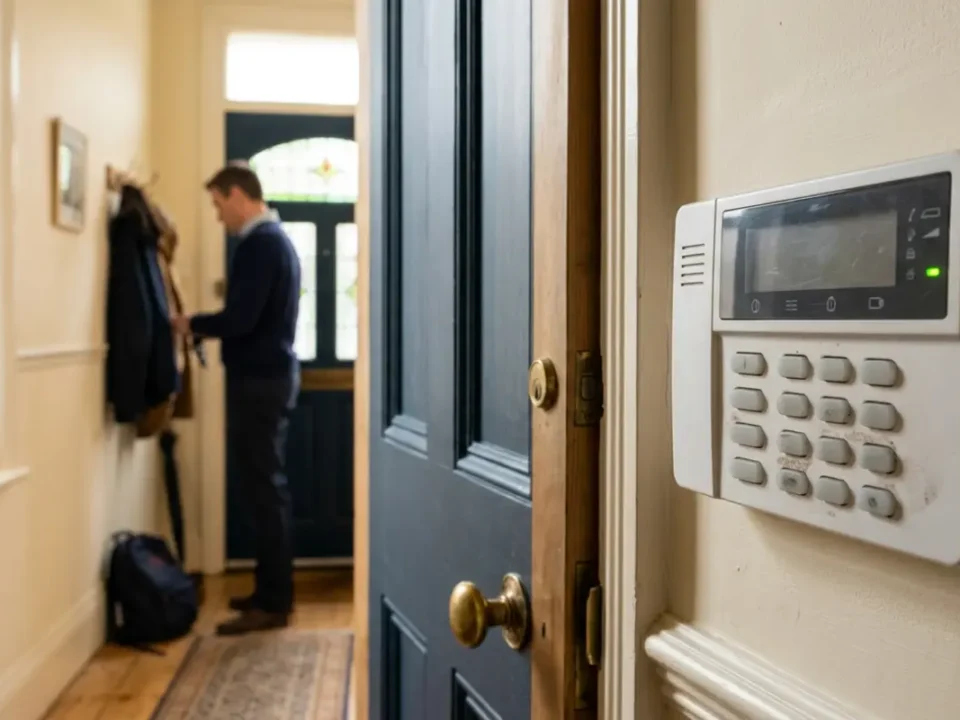
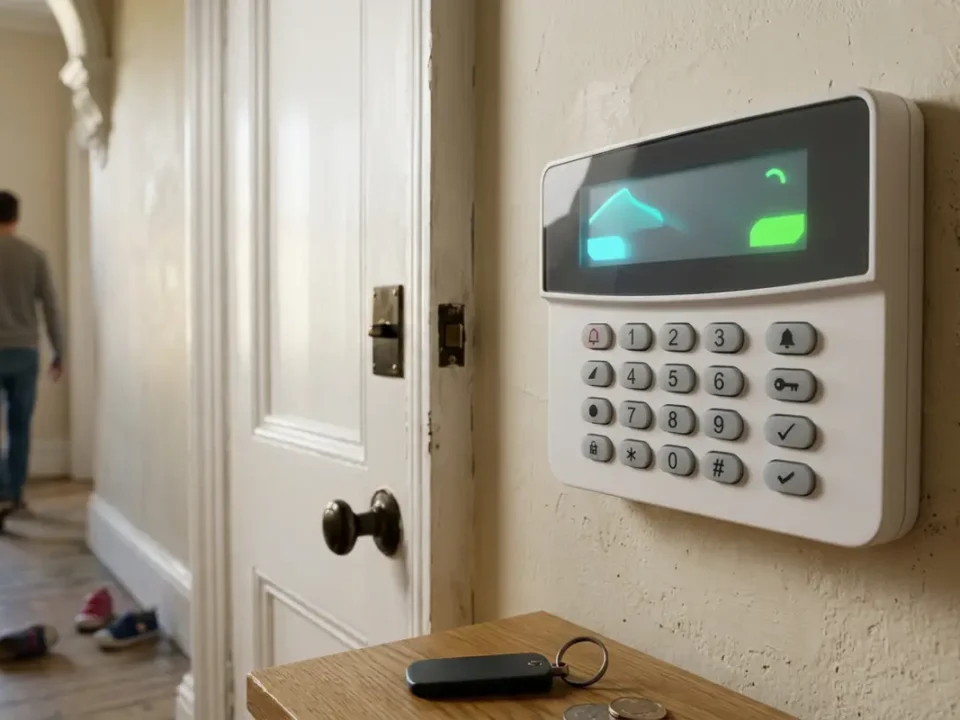
A low battery warning is easy to ignore until the keypad starts chirping at two in the morning, which is when even the calmest household can suddenly become a detective team in dressing gowns. The good news is that most wireless alarm battery changes are straightforward when you slow down, follow the manual and avoid forcing covers open.
iSecurity Solutions is a trusted UK provider of commercial and domestic security systems, helping homes and businesses stay protected around the clock. From CCTV and intruder alarms to fire safety, access control and construction site monitoring, the expert team designs reliable, tailored solutions backed by responsive service and modern, remotely monitored technology. Whether you are securing a single property or managing multi site assets, iSecurity Solutions delivers the equipment, expertise and peace of mind to keep what matters most safe.
Why Wireless Alarm Batteries Need Replacing
Wireless alarm batteries need replacing because sensors, keypads and sirens rely on battery power to speak to the hub or control panel. Common signs include repeated beeps, a red or amber light, a keypad fault message, an app notification, weaker wireless signal, false alarms, or a device showing as offline.
Battery life depends on the device, the battery chemistry, how often the sensor is triggered, the distance from the control panel and the temperature around it. Some wireless accessories last around eighteen to twenty four months, while control panel standby batteries are often checked and replaced during routine maintenance every few years.
Check Your Alarm Type And Brand First
Before buying batteries, find the brand and model because different systems can use different batteries and different reset steps. Look at the hub, keypad, control panel label, sensor casing, installation paperwork, app settings, or previous service certificate.
Model identification matters because a generic battery change can trigger a tamper alarm, leave a device unpaired, or make a fault message stay on screen. If you are unsure what type of sensors your system uses, the article on wireless alarm sensors explains common contact sensors, PIRs and related devices in plain English.
Battery Types And Tools You May Need
Most wireless alarm devices use everyday battery sizes, but you must match the exact voltage, battery type and quantity listed in the manual or printed inside the device. Do not assume that a battery is correct just because it fits, as the wrong cell can cause faults or stop the device reporting properly.
- AA batteries are often found in PIRs, wireless keypads, some sirens and alarm accessories.
- AAA batteries are used in some smaller keypads, sensors and control accessories.
- CR123A lithium batteries are common in PIR motion detectors and higher drain wireless sensors.
- CR2032 coin cells are often used in door contacts, keyfobs, panic buttons and small devices.
- 9V batteries are found in some older accessories, though they should only be used if the manual says so.
- 12V rechargeable backup batteries are used in many control panels and are not the same as disposable household batteries.
You will usually need a small screwdriver, a torch, a phone camera and the correct user code. You can buy alarm batteries from reputable UK battery retailers, but always use the manufacturer manual as the compatibility source rather than relying only on a shop listing.
Prepare The Alarm Before Opening Anything
Start by disarming the alarm and telling everyone in the house what you are doing, unless you want surprise siren practice over breakfast. Keep the user code, manual and replacement batteries nearby, and photograph the old battery position before removing it so the positive and negative ends are easy to check.
Many systems have test mode, engineer mode, programming mode, or battery change mode, although the exact menu name varies by brand. If your alarm is monitored, contact the alarm receiving centre first because disarming the keypad does not always stop signals being sent to monitoring staff.
For a professionally installed wireless system, it is sensible to book maintenance if several devices report low battery at once or if the system is old. iSecurity Solutions provides wireless intruder alarms that can be installed, checked and maintained with less stress for homeowners.
How To Replace Batteries In Door Contacts
Door and window contacts usually have a small cover that slides or unscrews, although some covers can feel stubborn because the tamper switch is holding tension. Open the device gently, remove the old battery, insert the new one with the same polarity, then close the cover firmly until it clicks or screws back into place.
Some contacts use CR2032 coin cells, while others use different cells, so check the label rather than copying advice from another model. After closing the cover, confirm the tamper warning clears, then open the door or window to check that the alarm panel sees the contact change state.
How To Replace Batteries In PIR Motion Detectors
PIR motion detectors sense movement by detecting changes in heat, so avoid touching the lens or moving the detector out of alignment. Put the alarm into the correct mode, open the detector cover as instructed, replace the AA, AAA, or CR123A batteries, then refit the cover securely.
After replacement, give the PIR a few minutes to settle because some detectors enter a short sleep period to save battery power. Run a walk test from the keypad or app, then move across the protected area and check that the sensor reports correctly.
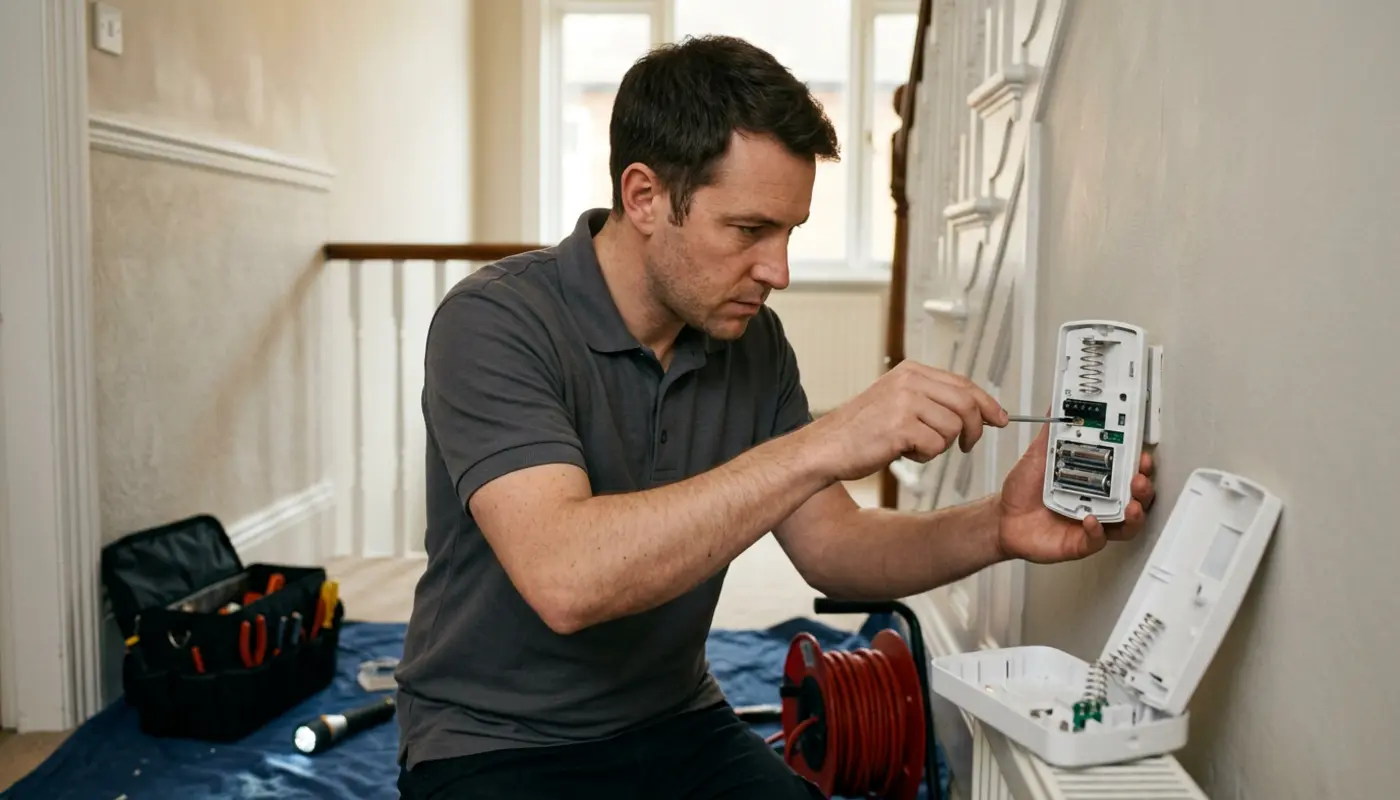
How To Replace Batteries In Keyfobs And Panic Buttons
Keyfobs and panic buttons often use small coin cells, so take extra care with polarity and keep old and new batteries away from children. Open the casing with the correct screwdriver or release clip, replace the cell, then close the casing without trapping the rubber buttons.
Test arm, disarm and any panic function only in the way recommended by your alarm manual. If your panic button sends a monitored signal, tell the monitoring company before testing it, as one small button press can quickly turn into an awkward phone call.
How To Replace Batteries In Wireless Sirens
External sirens are tamper protected and may sound loudly if opened without the correct disable process. Use the manufacturer battery change or siren disable steps, and never climb ladders or work at height unless you can do so safely and with proper equipment.
Some sirens use multiple cells or a specialist rechargeable pack, so replace like for like and avoid mixing old and new batteries. If the siren is high up, weather damaged, or part of an insurance maintained alarm, it is usually better to call a professional installer.
Replacing The Control Panel Backup Battery
The control panel backup battery keeps your alarm working during a mains failure, which is useful during power cuts and short outages. This is usually a rechargeable 12V standby battery inside the panel, not a standard household battery.
This part deserves caution because the panel may contain mains voltage, wiring terminals and tamper protection. If the manual clearly allows user replacement, put the system into the correct maintenance mode, notify the monitoring company, photograph the connections, replace only the specified battery, and check the panel is charging properly afterwards.
If you are not sure whether your panel battery is safe to replace yourself, stop before opening the panel. If mains wiring is exposed, the battery is swollen or leaking, the panel reports mains failure, or you do not have the engineer code, get help from a qualified alarm professional. A well maintained intruder alarm system is far more useful than one that has been bravely prodded into a permanent fault.
Testing The Alarm After Battery Replacement
Once every cover is back on, check that the low battery message has cleared, then clear any tamper or fault alerts using the proper reset process. Test each replaced door contact, walk past each PIR, press keyfob buttons, confirm the hub sees every device online and check signal strength where your app or keypad provides it.
For a monitored alarm, ask the monitoring company whether test signals were received and confirm the system has been taken out of test mode. Also make sure no zones have been accidentally bypassed because a quiet keypad can sometimes hide a disabled sensor.
Troubleshooting Common Battery Change Problems
If the low battery warning remains, check that the battery is new, correctly inserted and the right type for that device. In devices that use more than one cell, replace all cells together, close the cover fully and allow the system time to update because some wireless sensors report at set intervals.
If a tamper warning remains, the cover may not be seated correctly or the tamper spring may not be pressing against the wall bracket. Remove and refit the cover carefully, check the detector is mounted properly and use the manual reset steps rather than repeatedly opening the device.
If the device will not reconnect, move it closer to the hub if practical, wake the device using the manual process, then use the learn, enrol, or pair menu if required. Do not factory reset the alarm hub unless the manufacturer specifically tells you to, as this can remove paired devices and create a much bigger job.
Insurance And Compliance Considerations
UK home insurance conditions differ, so check your policy before disabling an alarm, silencing faults for long periods, or replacing parts on a maintained system. BS EN 50131 and PD 6662 relate to intruder alarm design, grading, equipment, installation and maintenance, and a battery change alone does not prove compliance.
Domestic intruder alarms are commonly designed to Grade 2 or Grade 3 under BS EN 50131, depending on risk and insurer requirements. If your system has a Police Response URN, the alarm must remain properly maintained and records may be needed. If your insurer asks for evidence of maintenance, an SSAIB certified and Insurance Approved professional can help keep the right documents in order.
Safe Battery Disposal And Ongoing Maintenance
Do not put old alarm batteries in general household waste or normal recycling bins. In the UK, portable batteries can usually be taken to supermarkets, large shops that sell batteries, or council recycling points, and GOV.UK battery recycling guidance explains safe disposal routes.
Record the replacement date, device name, battery type and test result so you do not have to solve the same mystery again later. A simple yearly check, plus prompt action when low battery warnings appear, keeps your wireless alarm dependable and helps avoid nuisance faults.
Final Thoughts
Replacing batteries in a wireless house alarm is often a manageable DIY task when you are dealing with sensors, keyfobs and simple accessories. The safest approach is to identify the model, use the correct batteries, prepare the system, change one device at a time and test everything afterwards.
Call a professional if the control panel involves mains wiring, the system is monitored, the alarm has a Police Response URN, tamper faults will not clear, or insurance documentation matters. A quiet, working alarm is the goal, not a brave battle with a plastic cover and a beeping keypad.
If you are unsure about monitored systems, external sirens, backup batteries, or stubborn fault messages, contact iSecurity Solutions for friendly advice and practical support.
Frequently Asked Questions
How Often Do Wireless Alarm Batteries Need Replacing?
Many wireless sensor batteries last around eighteen to twenty four months, but usage, signal strength, temperature and battery quality all affect lifespan. Control panel backup batteries are usually checked during routine servicing and may last several years.
Can I Use Rechargeable Batteries In My Wireless Alarm?
Only use rechargeable batteries if the alarm manufacturer specifically says they are suitable. Many alarm devices need alkaline or lithium batteries with a fixed voltage, and the wrong type can cause faults.
Why Is My Alarm Still Beeping After A Battery Change?
The fault may need resetting, the cover may not be closed properly, or the device may not have reported back to the panel yet. Check polarity, replace all cells in that device and follow the manual reset process.
Will Changing A Battery Trigger The Siren?
It can happen if the device has a tamper switch and the system is not in the correct battery change or test mode. Sirens and monitored systems need particular care because they can send alerts as well as make noise.
Do I Need An Approved Installer For Insurance Purposes?
Some insurers require maintenance by an SSAIB certified and Insurance Approved installer, especially where a Police Response URN applies. Check your policy wording before changing parts on a maintained or monitored alarm.