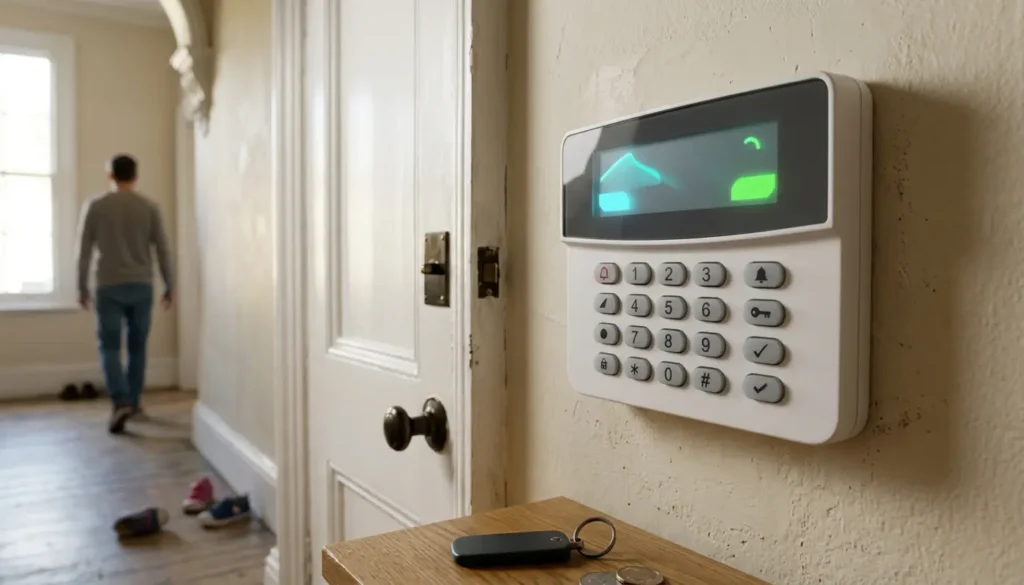
How to Keep a Wireless Intruder Alarm Working Well
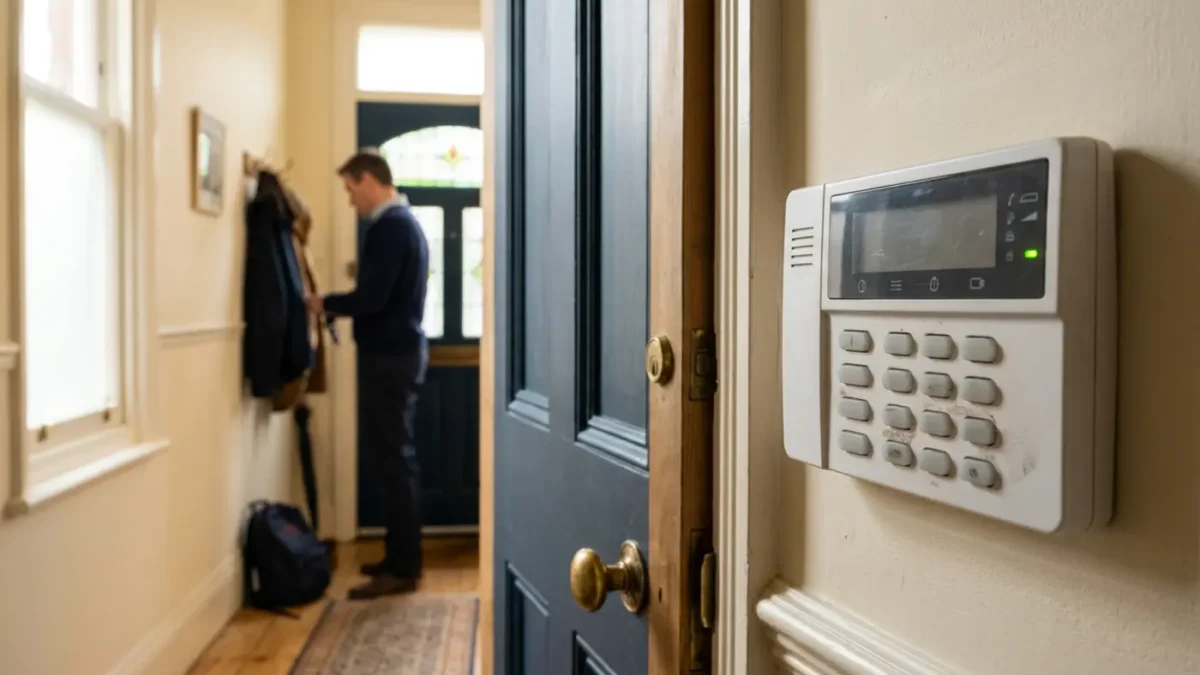
Wireless Intruder Alarm Maintenance
A wireless intruder alarm works well when its batteries, sensors, signal strength, software and servicing are checked on a regular basis. For most UK homes, that means simple monthly testing, quick action when low battery warnings appear, clean and correctly placed detectors, and professional maintenance when your insurer, monitoring provider or Police Response URN arrangement requires it.
It is easy to assume an alarm is fine because the keypad says it is armed, but that only tells part of the story. iSecurity Solutions is a trusted UK provider of commercial and domestic security systems, helping homes and businesses stay protected around the clock with CCTV, intruder alarms, fire safety, access control and modern monitored technology.
What Wireless Alarm Maintenance Involves
Wireless alarm maintenance is about keeping five key areas in good condition: power, detection, communication, software and compliance. If one area is ignored, the system may still make reassuring beeps, but it may not work properly when it really matters.
Most homeowners can handle basic checks such as looking for low battery alerts, cleaning sensors carefully and testing the system each month. Work involving protected engineer settings, police response programming, communicator faults or specialist standby batteries should be handled by an approved installer, because one wrong setting can create more trouble than anyone wants on a busy morning.
For domestic systems, standards such as EN 50131, often Grade 2 for typical homes and Grade 3 for higher risk properties, help define how intruder alarms should be designed and maintained. If your system signals to an Alarm Receiving Centre and is intended for police response, BS 8243 and Police Response URN requirements also become important.
A Simple Wireless Alarm Maintenance Schedule
A good routine is better than a frantic search for the manual at midnight while the outside bell is upsetting the dog, the neighbours and possibly the whole street. Regular checks help you spot small faults before they become false alarms, missed alerts or insurance problems.
- Every week or when alerted: Check the keypad or app for low battery warnings, tamper alerts, device offline messages and communication faults.
- Every month: Test the alarm, including PIR motion detectors, door and window contacts, keypad, entry and exit timers, app notifications and sounders.
- Every few months: Clean detectors gently, inspect contact alignment, check keyholder details and confirm devices have not been knocked, covered or moved.
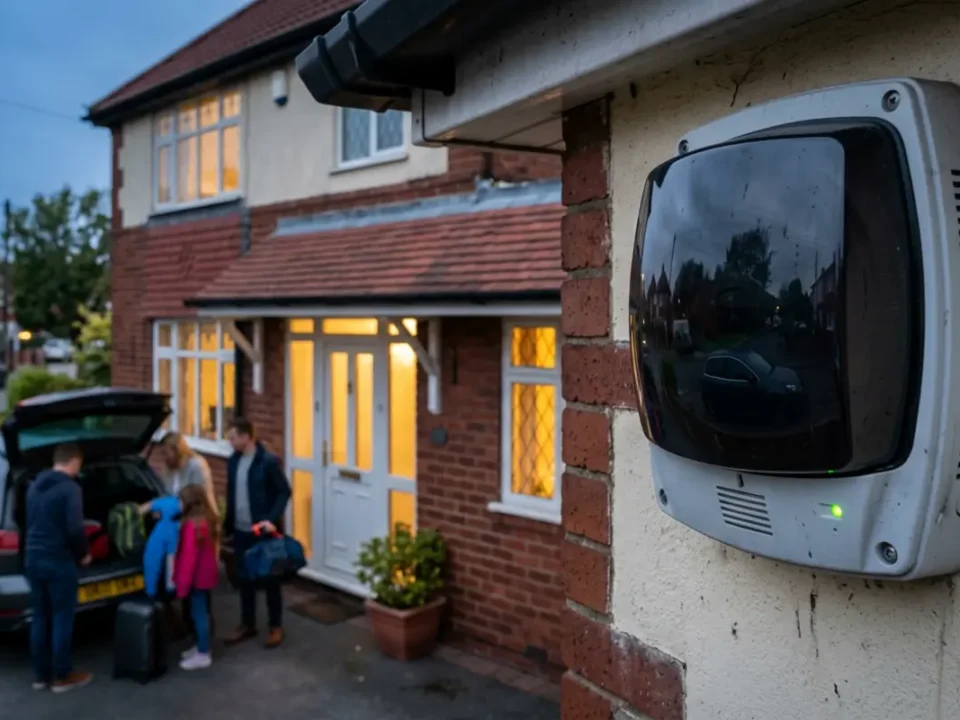
- Before holidays: Test the system, confirm remote access works, update trusted keyholders and tell your monitoring centre if your arrangement requires it.
- Annually: Arrange a professional service unless your system, insurer or monitoring contract requires more frequent visits.
- Twice yearly where required: Monitored alarms connected to an approved Alarm Receiving Centre may need servicing or maintenance every six months.
If your alarm is due for a professional check, service contracts can make maintenance easier to plan and help you keep useful records for insurers.
Check And Replace Alarm Batteries Safely
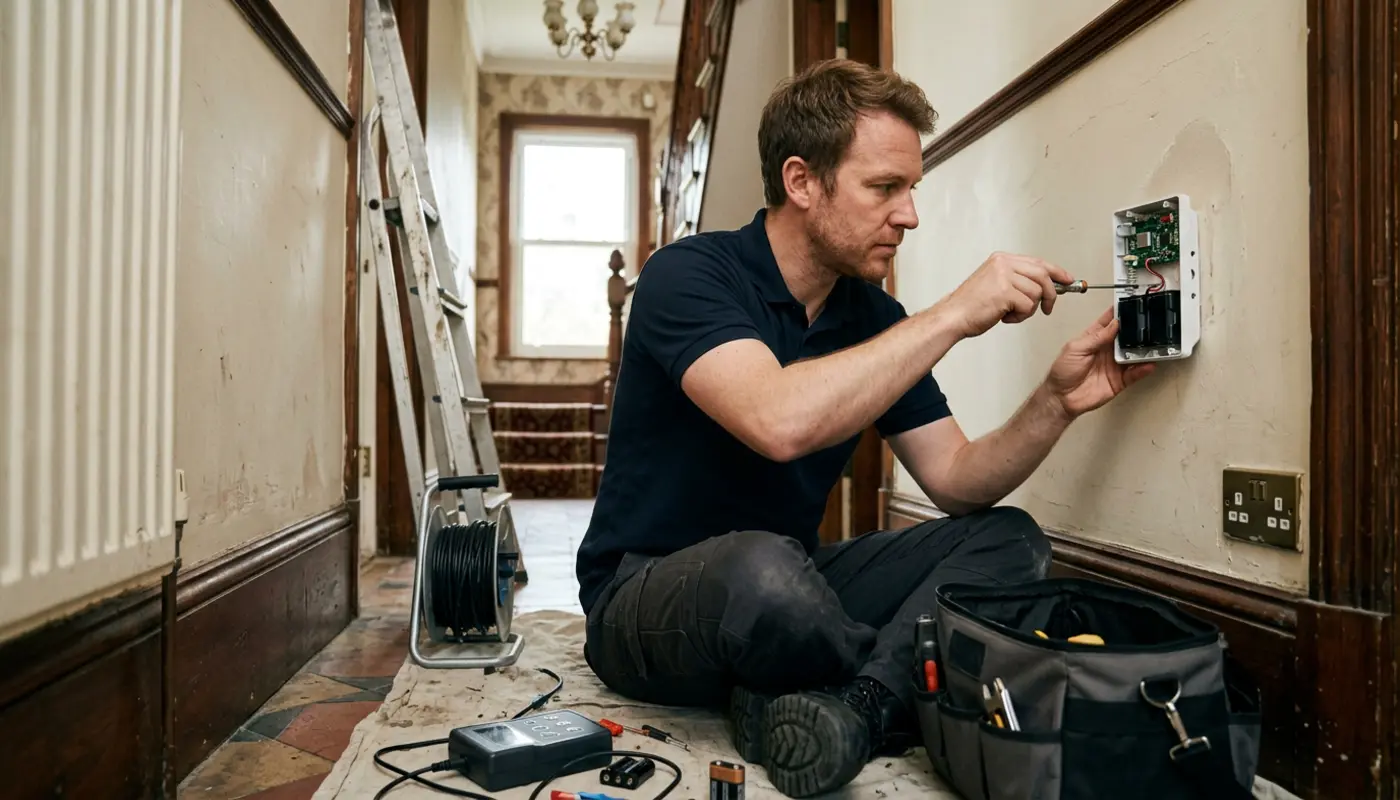
Battery care is one of the biggest parts of wireless alarm maintenance. Detectors, keypads, door contacts, external sirens, wireless expanders and communicators may all use batteries, while the control panel can also have a standby battery for power cuts.
Low batteries can cause more than a polite warning on the app. They can lead to missed transmissions, tamper faults, weak signal behaviour, false activations and, in some cases, a device that simply stops reporting properly.
Always use the battery type stated by the manufacturer, replace all batteries in a device if instructed, check the polarity markings and close the cover properly so the tamper switch resets. Do not mix old and new batteries, do not force the wrong size into place, and write the replacement date in a simple maintenance log.
If you want a more detailed walkthrough, there is a practical explanation in how to replace batteries in a wireless house alarm.
Some sealed batteries, siren power packs and control panel standby batteries should be replaced by an engineer. If the panel shows faults after a battery change, resist the temptation to keep pressing buttons in hope, because alarms rarely respond well to panic tapping.
Test The Alarm Every Month
Testing your alarm monthly is the simplest way to prove that the system is doing more than looking neat on the wall. Before testing a monitored system, contact your Alarm Receiving Centre or use the approved test mode so you do not accidentally create a real response event.
Test each PIR motion detector by walking through its detection area, then check door and window contacts by opening and closing each protected point. The keypad should arm and disarm correctly, entry and exit timers should behave as expected, and panic buttons should only be tested using the correct procedure from your installer or monitoring provider.
You should also test internal sounders, external bell boxes and app notifications. For monitored alarms, confirm that the correct signal reaches the monitoring centre and that the system is restored afterwards with no remaining faults.
A visible armed status does not prove every detector, sounder and communication path is working. Monthly testing gives you confidence that the alarm will detect movement, report correctly and reset properly after use.
Keep PIRs, Contacts And Keypads Clean
PIR stands for passive infrared detector, and these devices look for changes in heat and movement. Dust, cobwebs, insects, decorations, curtains, plants and heaters can all interfere with reliable detection, so a little housekeeping can prevent a surprising amount of hassle.
Use a soft dry cloth or a gentle method recommended by the manufacturer, and never spray cleaning products directly into a detector. Check that PIRs have a clear view, are not pointing at heat sources, and have not been knocked sideways by furniture moving, decorating or a very enthusiastic game indoors.
Door and window contacts need to remain aligned and firmly attached. If a contact is loose, cracked, painted over, damp or out of line, the system may report a tamper fault or fail to recognise that a door has opened.
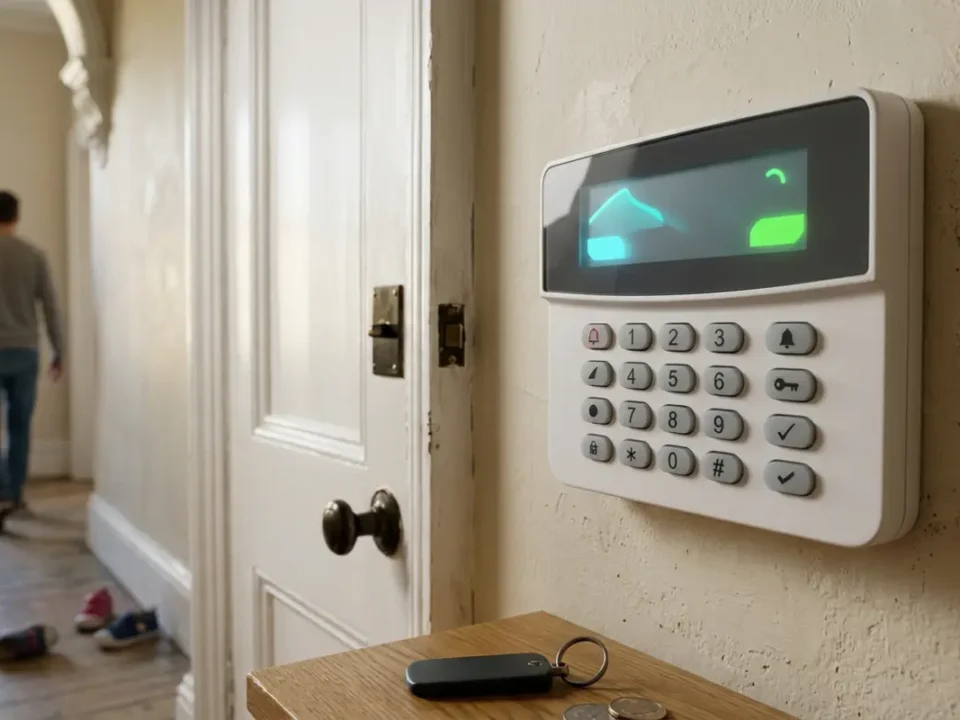
Keypads also deserve attention, especially in busy homes where fingerprints, dust and tired batteries can cause problems. If buttons become unreliable or the display fades, arrange a check before it becomes a lockout situation.
Maintain A Strong Wireless Signal
Wireless alarms rely on radio communication between the control panel and devices around the home. Thick walls, steel beams, foil backed insulation, large appliances, new extensions, mirrors and even changed furniture layouts can affect signal strength.
Many modern alarm apps show signal strength for each device. Look out for repeated offline messages, delayed alerts, missed check ins, random tamper warnings or devices that work one day and refuse to behave the next.
Use the system signal test if available rather than judging by distance alone. A detector close to the panel can still struggle if there is metal or dense material in the way, while another device further away may work perfectly because the path is clearer.
Do not permanently move a detector without checking its coverage afterwards. If a device has poor signal despite fresh batteries and clear positioning, an installer may recommend a wireless range extender or repositioning the control panel.
Keep Firmware, Apps And Monitoring Settings Current
Modern wireless intruder alarms often use apps, cloud services, broadband, mobile signalling or remote monitoring. That is useful, but it also means software and account settings matter just as much as the plastic boxes on the wall.
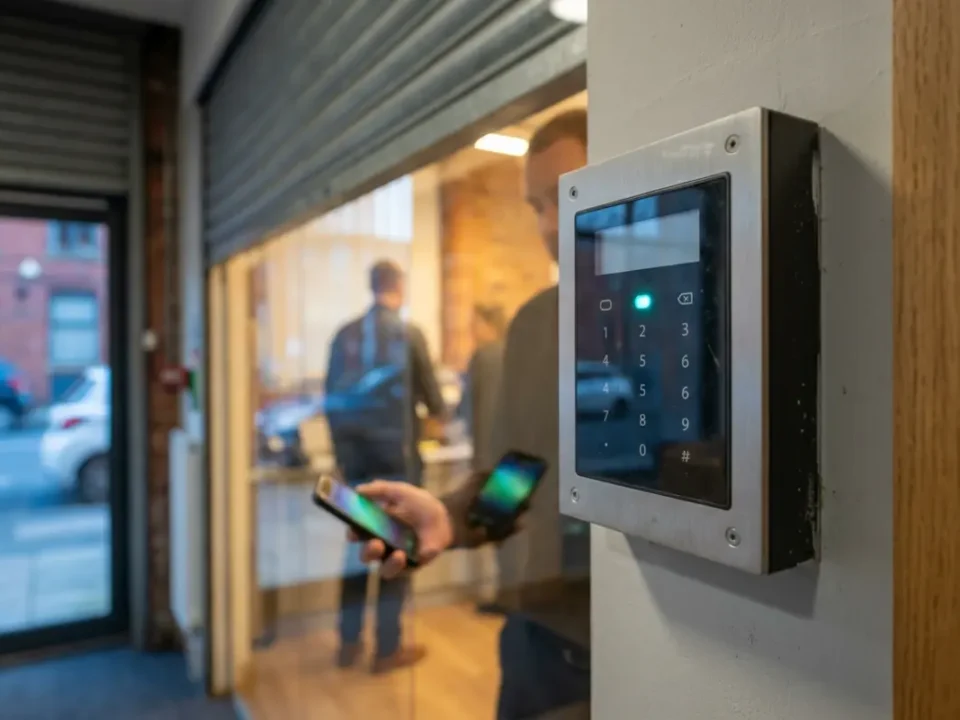
Install approved firmware updates when advised by the manufacturer or installer, keep the alarm app updated and check that your phone operating system is current. Out of date apps can cause missing push notifications, login issues or remote access problems.
Review user accounts, passwords, keyholder names, phone numbers and monitoring details. Remove former occupants, old tenants, previous staff or anyone else who no longer needs access, because an alarm code should not have a longer social life than you do.
After changing broadband provider, router, SIM card or mobile phone, test remote access and notifications. An alarm may still sound locally even if remote alerts are not reaching you, so it is worth checking before you go away.
Check BS 8243 And Police Response URN Requirements
BS 8243 relates to the design, installation and configuration of intruder and hold up alarm systems that generate confirmed alarm conditions, especially where an alarm signals to an Alarm Receiving Centre and may require police response. In simple terms, it helps reduce false alarms by making sure the system confirms an activation before escalation.
Police response is not automatic just because an alarm is wireless, monitored or expensive. It commonly depends on a compliant system, correct maintenance, an approved monitoring centre, a valid Police Response URN, suitable confirmation procedures, local police policy and the system's false alarm history.
For clear public advice on monitored and unmonitored alarms, Police.uk home security guidance explains that police are more likely to respond when a request comes through a police compliant monitoring company.
SSAIB and Insurance Approved certification is a prerequisite for Police Response URN eligibility where that certification route is used, and NSI approval is another recognised route. Your installer or monitoring provider should confirm whether your system meets EN 50131, PD 6662 and BS 8243 requirements for its intended use.
Arrange Annual Servicing With An Approved Installer
A professional service is more than a quick beep test and a friendly nod at the control panel. A good engineer will check the event log, test standby batteries, inspect tampers, activate detectors, assess wireless signal strength, test sounders and confirm signalling paths.
If your system is professionally monitored, the service may also include checks with the Alarm Receiving Centre and confirmation that the Police Response URN arrangement remains valid. This is especially important where your insurer asks for evidence of maintenance or an approved installation.
When choosing help, ask whether the company is NSI approved or SSAIB and Insurance Approved for the relevant alarm work. Also ask what is included, whether emergency call outs are covered, how often the system should be serviced and whether you will receive a written report.
For homeowners comparing modern options, wireless intruder alarms can be tailored to suit the property, monitoring needs and maintenance expectations from the start.
Prevent False Alarms Before They Become A Problem
False alarms are not just annoying. They can disturb neighbours, cause monitoring charges, affect insurance confidence and, in monitored police response systems, contribute to response downgrade or withdrawal if the false call history becomes excessive.
Common causes include low batteries, dirty PIRs, pets in unsuitable areas, moving curtains, open windows, loose contacts, poor user training, building work, radio interference, faulty tamper switches and unstable internet or mobile signalling. The best approach is to treat repeat activations as symptoms, not as random bad luck.
Before setting the alarm, close protected doors and windows, use the correct part set mode and make sure pets are kept away from unsuitable detectors. Make sure everyone who uses the system knows the entry route, code or tag process, and what to do if they make a mistake.
If one detector causes repeated alerts, do not simply bypass it forever. Bypassing might give you a quiet night, but it also creates a gap in protection that burglars would be very pleased to find.
Know When To Repair Or Replace An Ageing System
Repair is often sensible when the fault is isolated, parts are still available and the system remains supported by the manufacturer. A failed contact, weak battery, damaged keypad or poor signal area can often be fixed without replacing everything.
Replacement becomes more practical when the control panel is obsolete, the app is unsupported, firmware updates have stopped, batteries are hard to source or the communicator no longer works with current mobile networks. Persistent wireless dropouts, repeated false alarms and damaged tamper circuits are also signs that the system may be reaching the end of its useful life.
If police response or insurance compliance matters, ask whether the existing system can still meet EN 50131, BS 8243 and Police Response URN requirements. An older alarm may still sound loudly, but that does not always mean it meets today's monitoring and documentation expectations.
Before replacing, ask for a written diagnosis and find out whether any sensors, sounders or wiring can be reused. A sensible upgrade should improve reliability, not just give you a shinier app icon.
Final Thoughts
Keeping a wireless intruder alarm working well is mostly about routine rather than technical knowledge. Check batteries, test monthly, keep sensors clean, watch signal strength, update apps and arrange professional servicing at the right interval.
If your alarm is monitored, connected to a Police Response URN or required by your insurer, maintenance records are especially important. If you are unsure about batteries, monitoring settings or police response compliance, arranging a professional service is a sensible next step. A reliable alarm is not the one you forget about completely, but the one you look after just enough so it is ready when needed.
Frequently Asked Questions
How Often Should A Wireless Alarm Be Tested?
Test your wireless alarm once a month, including detectors, door contacts, sounders and app notifications. If it is monitored, tell the Alarm Receiving Centre or use the approved test mode before starting.
How Long Do Wireless Alarm Batteries Last?
Many detector batteries last several years, but the exact life depends on the device, usage, signal strength and battery type. Replace low batteries promptly and follow the manufacturer's instructions.
Will The Police Respond To My Wireless Alarm?
Police response usually requires a compliant monitored system, an approved Alarm Receiving Centre, a valid Police Response URN and suitable maintenance. SSAIB and Insurance Approved certification is one recognised route, but police attendance is never guaranteed.
Can I Clean Alarm Sensors Myself?
Yes, you can usually clean PIRs and contacts gently with a soft dry cloth, but avoid sprays, water and opening parts that trigger protected engineer settings. If a sensor is damaged, loose or repeatedly faulty, ask an installer to check it.
Should I Repair Or Replace A Ten Year Old Alarm?
Repair may be fine if parts are available and the system is still supported. Replacement is often wiser if the app, communicator, batteries or monitoring compatibility are outdated.