Key Fob vs Smart Card vs Biometric vs App Access Control
Access Control Options
Key fob, smart card, biometric and app access control all let the right people enter the right areas, but they suit different buildings and risks. For most UK businesses in 2026, the best choice depends on staff numbers, site layout, budget, compliance needs and how quickly access must be added or removed, which is why support from a trusted security partner is often more useful than a one size fits all answer.
Many offices, schools, healthcare sites, residential blocks and commercial buildings get the best result from a sensible mix of access methods rather than one option everywhere. iSecurity Solutions helps homes and businesses across the North West choose, install and maintain reliable access control systems that protect restricted areas while keeping daily movement simple.
Access Control Types For UK Businesses
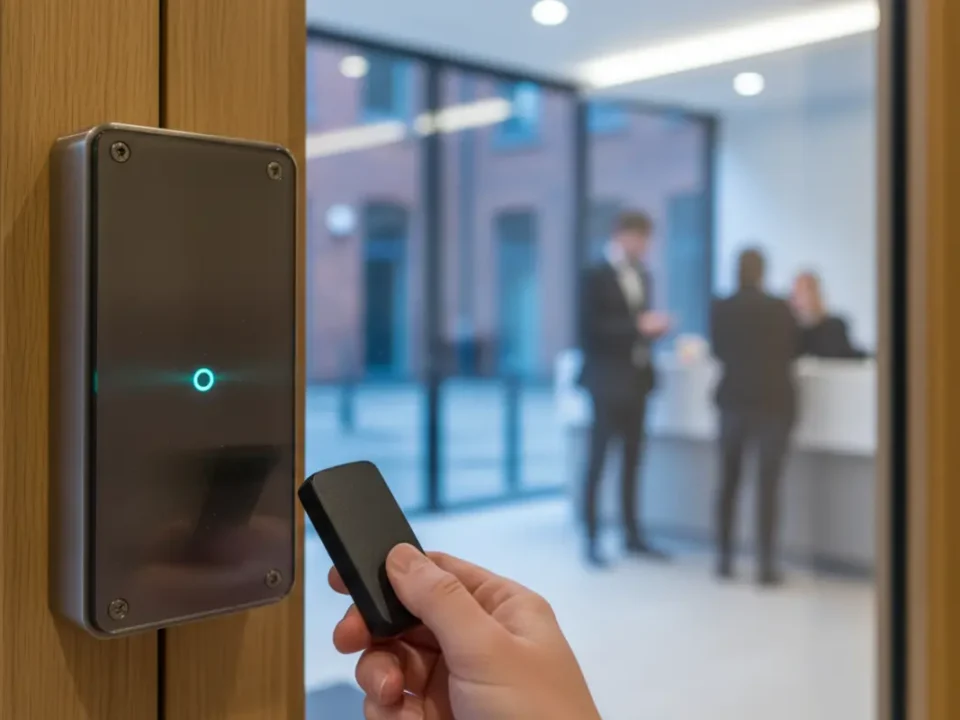
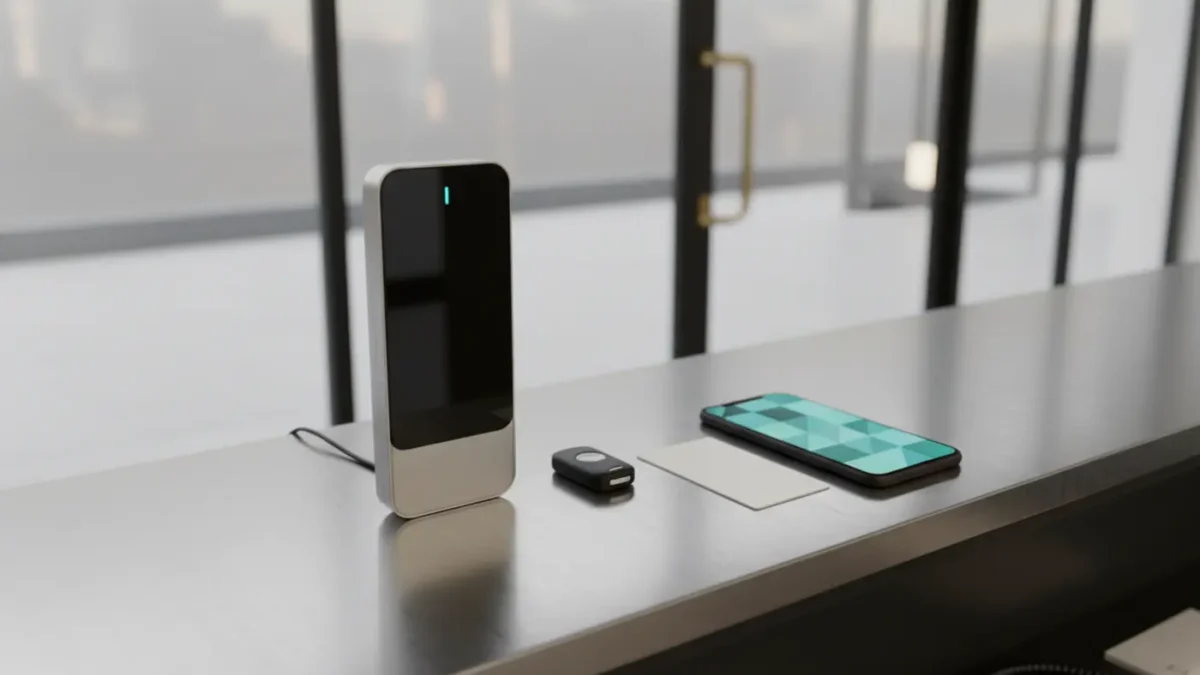
UK businesses usually choose between fobs, smart cards, biometric readers and mobile app access. Fobs are affordable and familiar, smart cards add stronger identity checks, biometrics improve accountability, and app access gives flexible digital control through modern access control platforms.
It also helps to ask a few everyday questions before choosing a system. Do staff often lose cards? Do contractors need short term access at short notice? Does reception get queues because visitor passes take too long to issue? The right answer is usually the one that solves these real problems without making entry harder than it needs to be.
How Key Fob Access Works
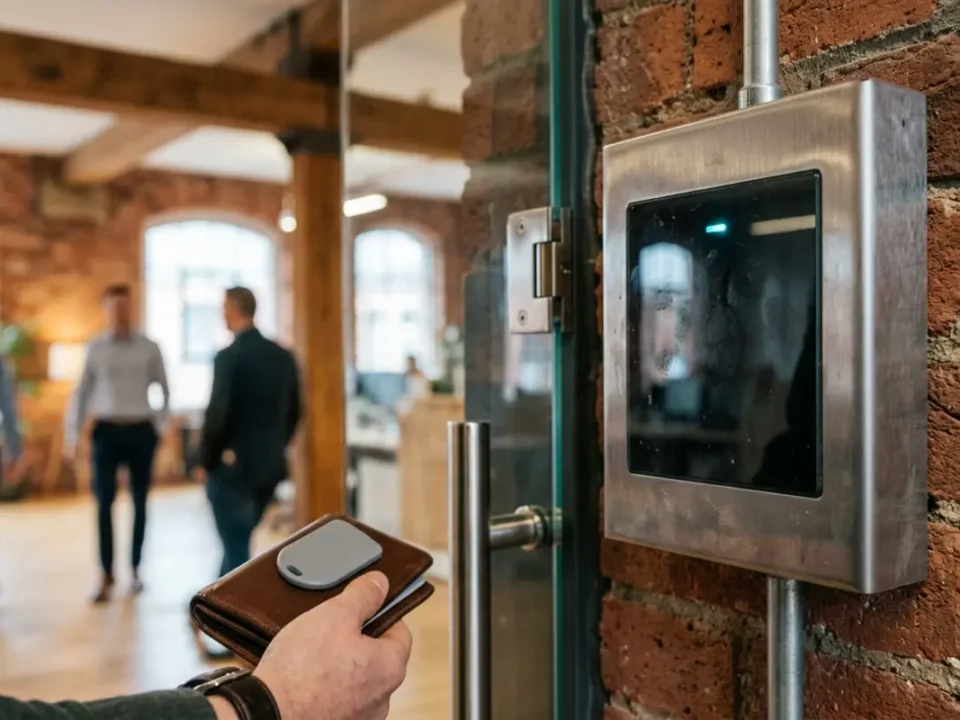
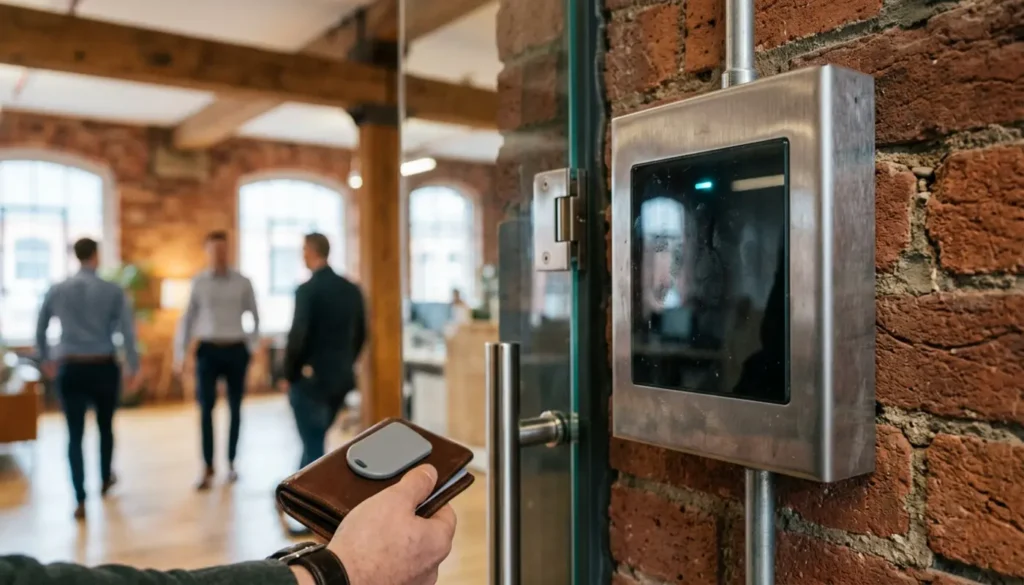
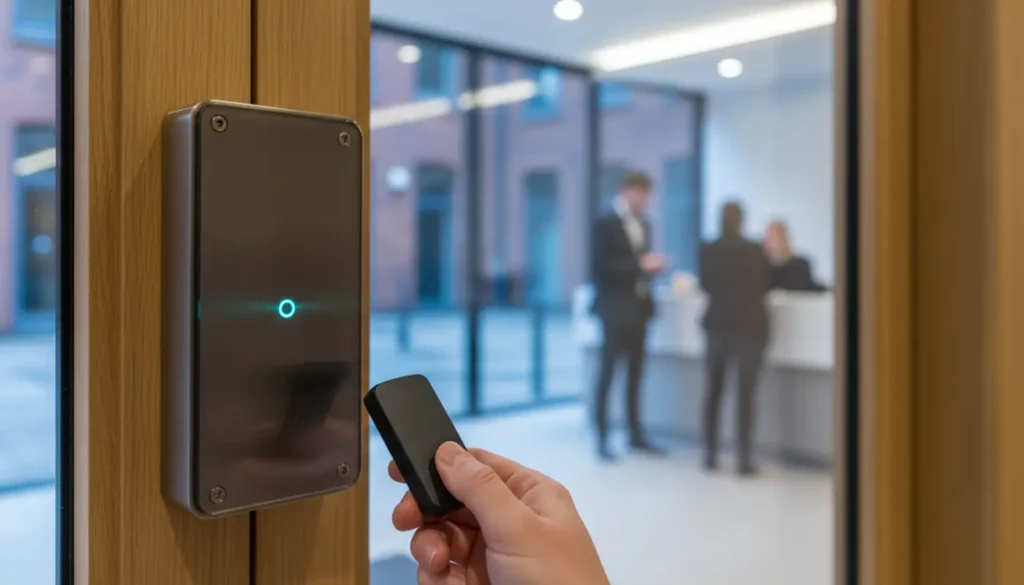
A key fob is a small plastic token that communicates with a reader using RFID, which means radio frequency identification. In normal use, a staff member holds the fob near the reader, the system checks the stored credential, and the door unlocks if that person is allowed through. This makes fobs a popular choice for offices, flats, gyms and small commercial buildings that need simple door entry.
The main benefit is convenience because fobs are low cost, durable and easy to issue. The weakness is that older proximity fobs, especially older low frequency systems, can be easier to copy than modern encrypted credentials. Businesses upgrading from an old door entry system should check the technology behind the fob rather than assuming every fob offers the same level of security.
How Smart Card Access Works
Smart cards look like normal ID badges, but they contain a chip that can store encrypted access data. Many modern systems use technologies such as MIFARE or DESFire, which are harder to copy than basic proximity cards and can also support printed staff photos, visitor badges and time records for wider business security management.
Smart cards are a good choice when people need to wear visible identification, which is why they suit schools, colleges, managed offices and larger workplaces. They can be used for access permissions, printer release, cashless catering or attendance logging, although lost cards still need to be cancelled quickly to prevent misuse.
How Biometric Access Works
Biometric access uses a physical feature, such as a fingerprint or facial pattern, to confirm that the person at the door is the authorised user. Many readers do not need to store a normal photo or fingerprint image during daily use because they create a mathematical template instead, but the data is still sensitive and must be handled carefully under UK data protection law.
The main benefit is accountability because people cannot easily lend a fingerprint or face scan to a colleague. That can be useful for server rooms, medicine stores, cash offices and laboratories. The trade off is compliance, as biometric recognition must be necessary, fair and backed by clear policies, especially where employees, students or vulnerable people are involved.
How App Access Control Works
App access control turns a smartphone into the credential, normally using Bluetooth, NFC or a secure cloud based mobile pass. A manager can issue or remove access remotely, which is useful for hybrid workers, contractors and multi site teams who should not have to wait for a physical card to arrive in the post.
Mobile credentials can reduce the cost and hassle of replacing lost cards, and they can often be linked to a named user and device. The main drawback is phone dependency because flat batteries, broken screens or staff who do not want to use personal phones need a backup route, such as a temporary smart card or reception managed pass.
Access Control Comparison
A quick comparison helps you see which access control type fits each daily need. Fobs are simple, smart cards are better for ID, biometrics are stronger for accountability, and app access is best when remote management matters.
- Key fobs are simple, budget friendly and familiar for everyday doors, but older systems may be easier to copy.
- Smart cards are better for visible ID, stronger encryption and sites that want one card for several uses.
- Biometrics are strong for accountability at higher risk doors, but they need careful privacy planning.
- App access is flexible for contractors, hybrid workers and multi site teams, but a backup is needed for phone issues.
Access Control Security Levels Compared
The main security risks with access control are copied credentials, shared passes, false identity checks and slow removal of leavers. Older fobs and cards can be convenient but weaker if they use outdated technology, while encrypted smart cards and modern mobile credentials make copying much harder and give managers better control.
Biometrics are strong for proving that the right person is physically present, but they are not a magic fix. Good biometric systems use safeguards such as liveness detection, secure templates and strict permissions, but they still need human oversight and a clear reason for collecting sensitive data.
For higher risk buildings, access control should also be reviewed alongside CCTV, intruder detection and staff procedures. If you are improving a wider security setup, it is worth reading about business security system installation so that door control, monitoring and response plans work together rather than sitting as separate systems.
UK GDPR And Biometric Access Control
Biometric data used to uniquely identify a person can be special category data under UK GDPR, which means it gets extra legal protection. The Information Commissioner’s Office explains how biometric recognition should be assessed, including lawful basis, necessity, proportionality and people’s rights, and you can read the regulator guidance on biometric recognition for more detail.
In practical terms, a workplace or school should not install fingerprint or facial recognition just because it feels modern. You need to ask whether the same aim could be met with a less intrusive method, such as an encrypted card, and whether a Data Protection Impact Assessment is needed before the system goes live.
Consent can be difficult in employment and education because people may feel they cannot freely say no. A better approach is to document the lawful basis properly, offer reasonable alternatives where needed, explain retention periods, limit access to the data and make sure staff know who to contact with questions or rights requests.
Access Control Cost Comparison In 2026
Fobs usually have the lowest cost per credential, which makes them attractive for large groups of users. Repeated replacements can still add up over time, and anyone who has replaced several lost fobs in one week knows that cheap can become annoying if the process is not managed well.
Smart cards cost more than basic fobs, especially if they are printed as ID badges, but they can be better value when they support more than one use across a building. Biometric readers usually cost more upfront and may need more careful maintenance, particularly in busy areas where accuracy, hygiene and user enrolment matter.
App based access can reduce physical credential costs, but some platforms charge licence fees per user or per mobile credential, so the headline price is not always the full story. The fairest comparison is total cost over several years, including readers, controllers, cabling, software, licences, replacement credentials, administrator time, training and maintenance.
Access Control User Experience
Fobs are easy for most people because the action is simple, tap and enter. Cards are nearly as easy, and they are better when security teams need quick visual identification at reception, especially in busy schools, healthcare settings and shared office buildings.
Biometrics are fast when set up well, but they can frustrate users if fingers are wet, gloves are worn, lighting is poor or a facial reader struggles with unusual angles. Mobile access feels natural for many people, but businesses should plan for dead batteries, lost phones and staff who prefer not to install work apps on personal devices.
The best systems also consider the manager’s day, not just the user’s. If leavers are not removed quickly, or temporary passes are handled with sticky notes and hope, risk creeps in quietly. Touchless entry has become more popular since the pandemic, especially for healthcare, gyms and high traffic offices, although door handles, lift buttons and reception processes still need sensible hygiene policies too.
Access Control For Visitors And Attendance
Access control becomes more useful when it links with visitor management and time and attendance. Smart cards and fobs can log when staff enter certain areas, while temporary visitor cards can be issued at reception and set to expire automatically at the end of the day.
Mobile access is especially useful for contractors because a digital pass can be sent before arrival, restricted to certain doors and removed instantly once the job is complete. For schools and universities, access permissions can also be managed by role, such as staff, pupils, cleaners, catering teams and maintenance visitors.
Biometric time and attendance can reduce buddy clocking, where one person clocks in for another, but it brings extra privacy responsibilities. If you are managing education sites, the practical access lessons in access control for primary schools are useful because safeguarding, visitor control and staff permissions need careful balance.
Best Access Control By Building Type
For offices, encrypted smart cards or secure fobs are usually a strong starting point, with mobile credentials added for managers, hybrid workers or teams that move between locations. Larger offices may also use biometrics for server rooms, finance areas or document stores where shared credentials create too much risk.
Schools often favour photo ID smart cards because they combine access control with visible identification. Biometrics can be used in education, but the standard for fairness, transparency and alternatives is high, particularly where children are involved, so many schools choose cards for general access and reserve stronger controls for staff only areas.
Healthcare sites need a mix of fast movement and strict zoning, such as separating public areas, clinical spaces, medicines, records and staff only corridors. For care and medical settings, examples in care home access control show why permissions must protect residents and staff without making daily care feel like a maze.
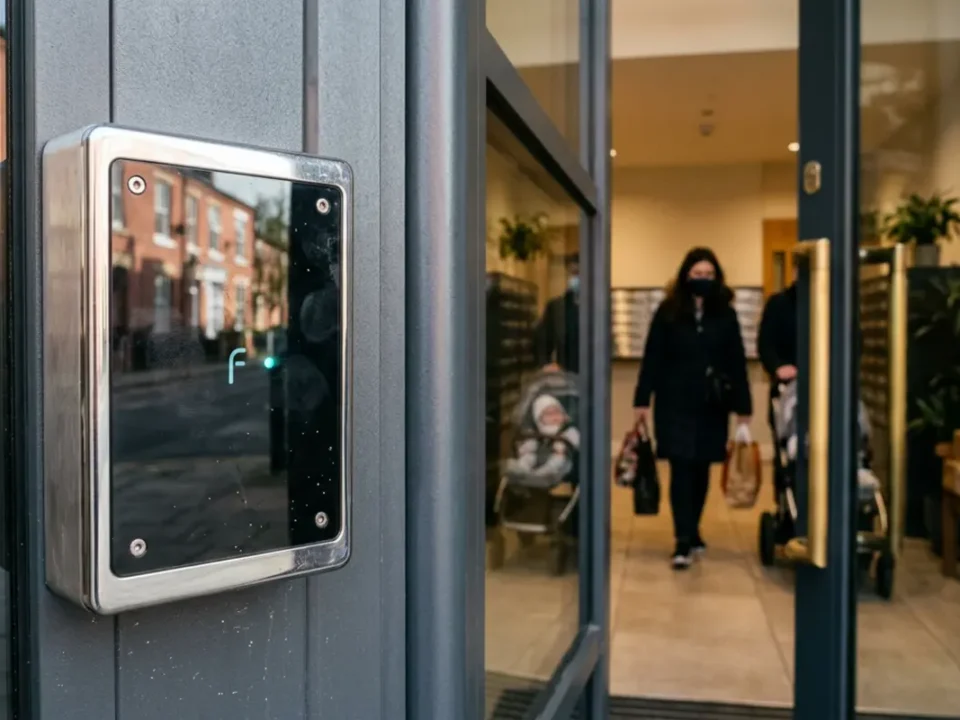
Multi tenant residential blocks often use fobs because they are simple for residents, but app access is growing for visitor entry, managing agents and short term access. The right choice depends on resident age groups, concierge arrangements, parking gates, communal doors and how often tenants move in or out.
Access Control For Multi Site Organisations
For organisations with several branches, cloud based access control can make life much easier. Instead of programming each door locally, authorised managers can add users, remove leavers, change permissions and review events from one secure dashboard.
Standardising credentials across sites is important because a messy mix of old fobs, new cards and separate spreadsheets quickly becomes a security headache. A practical policy should define who approves access, how leavers are removed, when audits happen and which doors need extra checks.
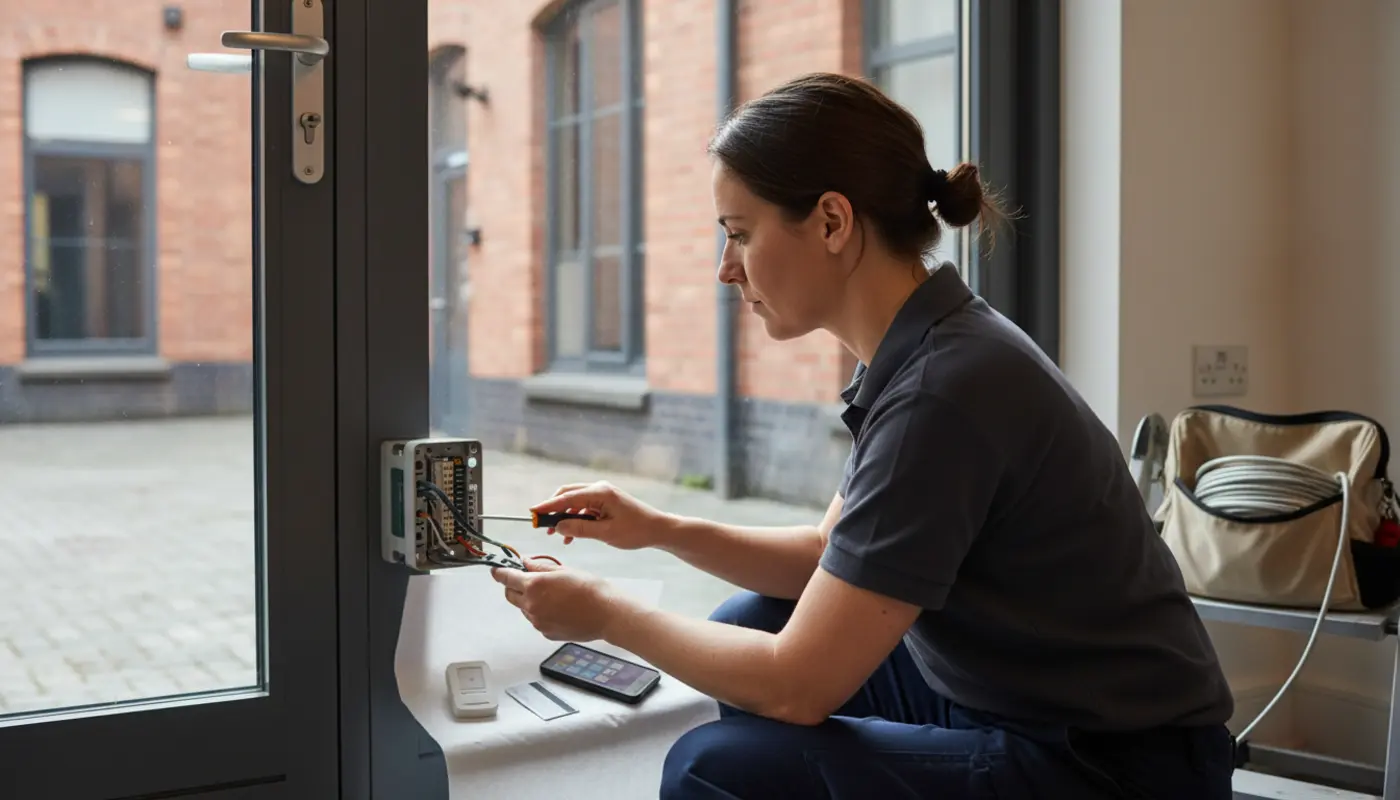
Maintenance matters as much as the credential itself because readers, locks, door closers and software updates all affect reliability. Planned checks through service contracts help stop small faults turning into staff queues, unsecured doors or awkward calls from tenants on a rainy Monday morning.
SSAIB Insurance Approved Access Control
SSAIB certified and Insurance Approved access control gives insurers, landlords and stakeholders more confidence that the system has been designed and installed professionally. It is especially useful when access control forms part of a wider security plan that may also include CCTV, intruder alarms, fire safety and monitored protection.
iSecurity Solutions is a trusted UK provider of commercial and domestic security systems, helping homes and businesses stay protected around the clock. From CCTV and intruder alarms to fire safety, access control and construction site monitoring, the team designs reliable, tailored solutions backed by responsive service and modern remotely monitored technology.
Access Control Decision Framework
Choose fobs if you need a budget friendly, familiar system for low to medium risk doors and you can manage lost tokens properly. Choose smart cards if you want stronger encryption, visible ID badges and better integration with workplace systems.
Choose biometrics when you need high accountability at specific doors and you are ready to manage the UK GDPR responsibilities that come with sensitive personal data. Choose app access when flexibility, remote management and multi site scaling are more important than issuing plastic credentials to everyone.
Many businesses will land on a hybrid model, such as smart cards for all staff, mobile credentials for flexible teams and biometrics for a small number of critical rooms. That balanced approach usually gives better security, smoother administration and fewer daily problems than forcing every door to use the same method.
Final Thoughts On Access Control
Key fobs, smart cards, biometrics and app based access all have a place in modern UK buildings, but they solve slightly different problems. The smartest choice in 2026 is the one that matches your risk profile, user habits, compliance duties and future growth plans.
iSecurity Solutions designs practical access control systems across the North West, from single door upgrades to connected multi site security. Whether you are securing one property or managing several sites, a proper review will help you choose equipment that protects people and assets without making everyday access harder than it needs to be.