Why Is Your CCTV Camera Not Recording? Common Causes and Fixes
CCTV Camera Not Recording
If your CCTV camera is not recording, the most common causes are power issues, full or faulty storage, incorrect recorder settings, damaged cables, network changes, or a problem inside the DVR or NVR. A camera can still show a live picture while failing to save footage, so playback should always be checked rather than relying only on what you see on screen.
The good news is that many CCTV recording faults can be fixed once you know where to look. Start with the simple checks, avoid rushing into a reset, and do not wipe any storage until you know whether important footage can still be recovered.
A recording fault matters because missing footage can affect police reports, insurance claims, staff safety reviews, and incident investigations. If your system records identifiable people, CCTV footage may also fall under UK GDPR, the Data Protection Act 2018, and ICO CCTV guidance, so the footage must be handled securely and kept only for as long as needed.
At iSecurity Solutions, we help UK homes and businesses keep their CCTV working properly with practical fault finding, planned servicing, remote monitoring, and reliable security support that protects evidence when it is needed most.
Why CCTV Recording Failures Matter In 2026
CCTV is only useful if it records the right footage at the right time and stores it safely. A live view on your phone can feel reassuring, but live view and recording are not the same thing. Live view means the camera is sending a picture now, while recording means the system is saving footage for later playback.
If a break in, accident, dispute, or delivery issue happens, a gap in playback can leave you without the evidence you expected to have. That can make it harder to confirm what happened, identify people, support an insurance claim, or give clear information to the police.
For businesses, CCTV reliability is also part of good security management. Footage may support insurance claims, police investigations, internal HR reviews, health and safety checks, and access control logs. If recorded footage includes identifiable people, the ICO explains that video surveillance can involve personal data, so it must be handled fairly and securely. You can read the official position in the ICO video surveillance guidance.
Common CCTV Recording Causes And Quick Checks
Before changing settings, ask one simple question. Are all cameras affected, or only one? If every camera has stopped recording, look first at the recorder, power supply, storage, or network. If only one camera is missing from playback, the fault is more likely to be the camera, cable, connector, or channel setting.
It also helps to think about what has changed recently. A moved router, replaced power supply, tidied comms cabinet, new broadband hub, building work, or a power cut can all cause a CCTV fault that is easy to miss at first.
For businesses reviewing their wider setup, professional CCTV systems should be checked as complete systems rather than as separate devices, because cameras, recorders, storage, networks, and monitoring all need to work together.
- Live view works but playback is blank. Check storage health, recording schedules, motion settings, and whether the correct channel is enabled.
- One camera is missing. Check the power, cable, connector, lens, and camera assignment on the recorder.
- All cameras have stopped. Check the DVR or NVR, mains supply, PoE switch, hard drive, and error messages.
- Night footage is missing. Check infrared lighting, camera night mode, condensation, reflections, and lens cleanliness.
- Motion events are absent. Check detection zones, sensitivity, event schedules, and lighting conditions.
Check Whether Your CCTV Is Actually Recording
Start with playback, not the live screen. Open the recorder app or monitor, choose a time you know should contain activity, and test several cameras. Look at both continuous recording and motion event timelines, because some systems save footage all the time while others save only when movement is detected.
If the timeline is empty, the system may not be recording at all, or it may be saving footage in a different place. Some systems have separate views for continuous recording, alarm events, motion events, and smart detection, so check each one before assuming footage is missing.
Also check the date, time, and time zone. Incorrect timestamps can make good footage hard to match with police reports, alarm activations, till records, access control logs, or delivery notes. If an incident has already happened, export any relevant clips before rebooting, formatting storage, or changing recording settings.
Power Problems That Stop CCTV Recording
Power faults are common, especially after a power cut, building work, or a cupboard tidy up that has disturbed a cable. Check whether the camera has power lights, whether the recorder is running, and whether low voltage connectors are fully seated.
Faulty adapters can overheat, fail now and then, or provide enough power for a camera to start but not enough for stable recording. Never open mains powered equipment yourself, because CCTV is not worth an electric shock, and a qualified engineer should handle electrical concerns.
Many IP camera systems use PoE, which means Power over Ethernet. This sends power and data through the same network cable, usually from a PoE switch or injector. If several cameras fail at once, check the PoE switch status lights and whether it has restarted properly after a mains issue.
A UPS, meaning an uninterruptible power supply, can help protect recorders and switches during short power interruptions. It can also reduce the risk of corrupted recordings when power cuts happen without warning.
Storage Issues With Hard Drives And SD Cards
Storage is one of the biggest reasons for CCTV recording failure. A DVR or NVR normally stores footage on a hard drive, while some cameras record to an SD card inside the camera. If the recorder shows messages such as HDD error, no disk, storage full, or abnormal drive, pause before pressing format.
Formatting or initialising a drive can wipe existing footage, including the part you may need for an incident. If footage could be needed for a police report, insurance claim, legal issue, or staff investigation, export what you can and seek help before making major changes.
A full hard drive does not always mean the system has failed, because many recorders are designed to overwrite the oldest footage automatically. However, if overwrite is turned off, the recorder may stop saving when the disk is full.
Recording duration depends on camera count, resolution, frame rate, compression, motion activity, and storage size. If you recently increased image quality, your storage window may have become much shorter without anyone noticing.
SD cards can also fail, especially if they are not designed for continuous video recording. Standard cards may wear out quickly when footage is written and overwritten every day, so an endurance rated card should be used when the camera specification requires it.
DVR And NVR Faults To Look For
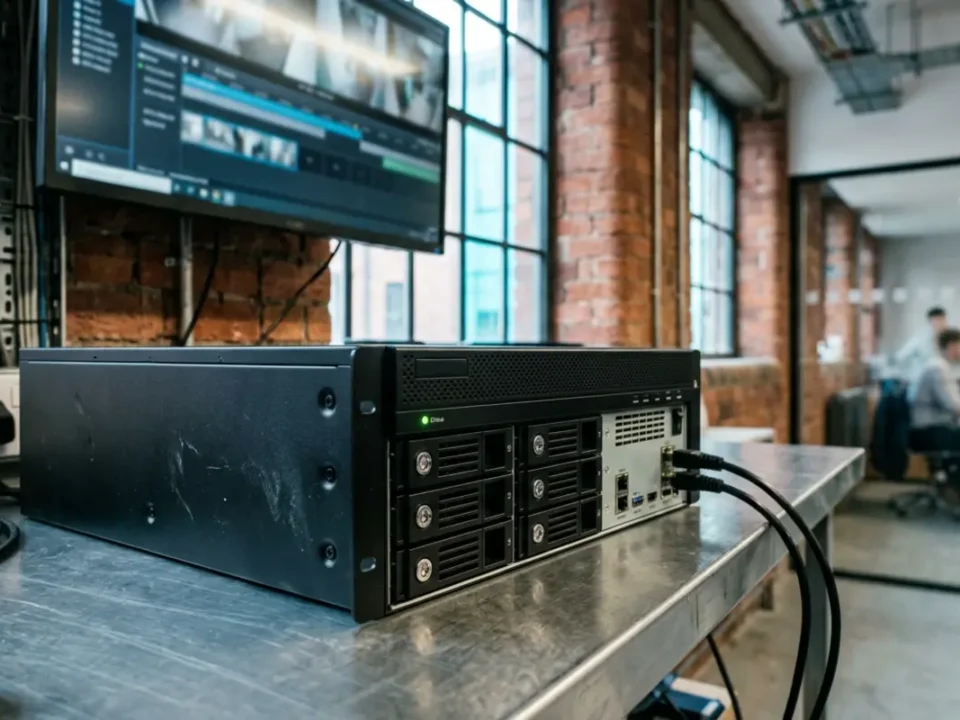
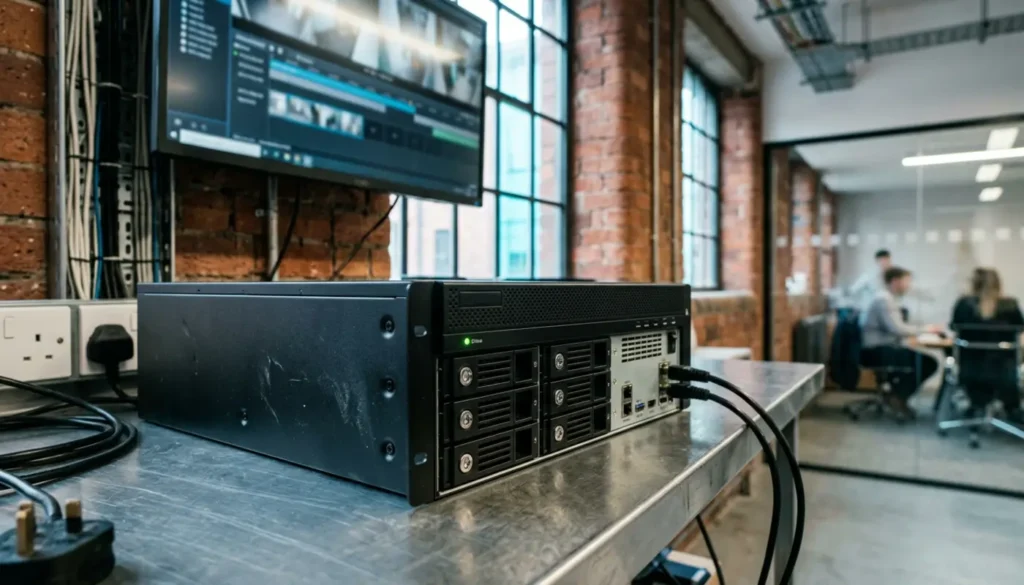
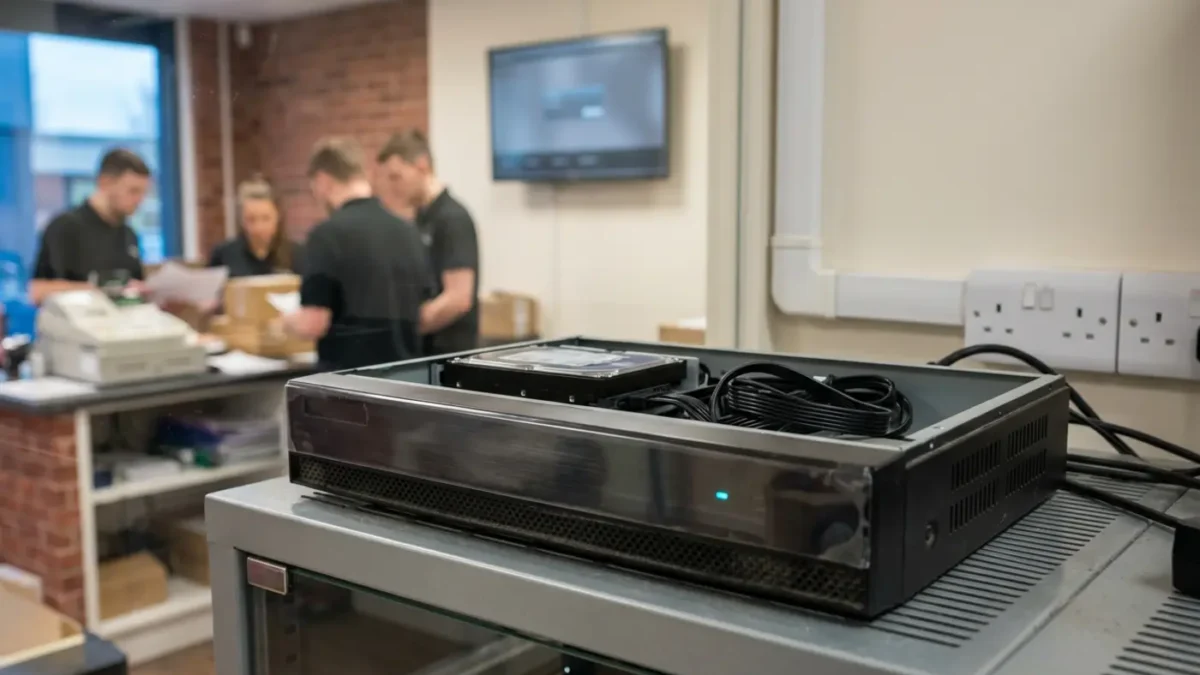
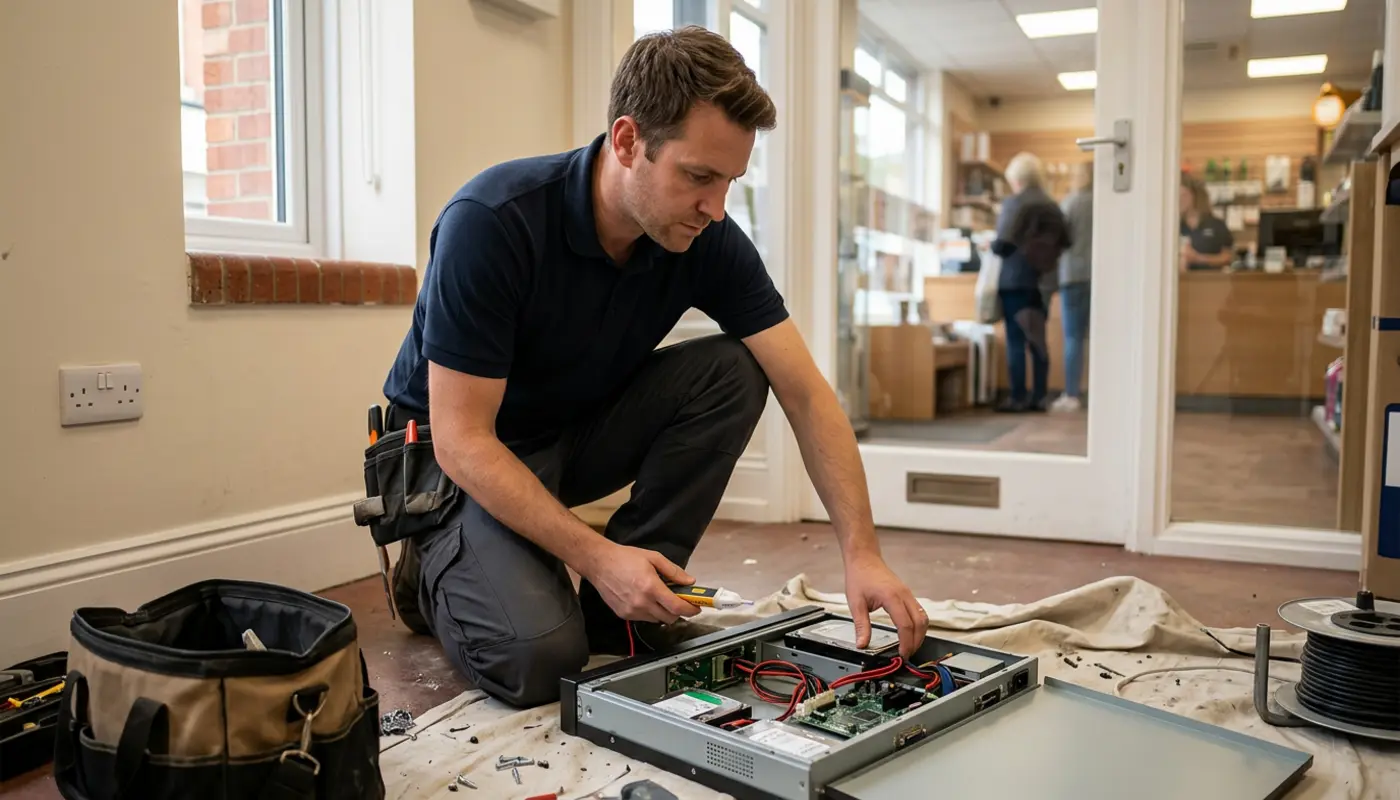
The recorder is the heart of most CCTV systems, so if it is struggling, recording becomes unreliable. Overheating is a common cause, particularly when a recorder is kept in a small cupboard with poor airflow, dust, paperwork, routers, and other equipment around it.
Check for blocked vents, dust, noisy fans, repeated restarts, and warning logs. A recorder should be kept cool, dry, and easy to inspect, because heat and poor ventilation can shorten the life of both the recorder and its hard drive.
Firmware glitches and corrupted settings can also stop recording. Firmware is the built in software that runs the recorder, a bit like its operating system. A controlled reboot may clear a temporary fault, but a factory reset can erase camera settings, recording schedules, network details, and user accounts.
Before resetting anything, record the error messages, export important footage, and back up settings where the system allows it. If you are unsure, it is safer to ask for support than to risk losing useful evidence.
Recording Settings That Are Easy To Miss
Motion detection settings are a classic reason for CCTV showing live view but not saving events. If the detection zone excludes the doorway, gate, driveway, till area, or stockroom entrance, the system may ignore the exact area you care about.
Sensitivity that is too low can miss movement, while sensitivity that is too high can fill storage with trees, rain, headlights, and the occasional very busy cobweb. Test movement at different distances and at different times of day so you know the camera is reacting as expected.
Schedules are another common cause. A system may be set to record only during opening hours, only when armed, or only on certain weekdays. Check weekday, weekend, overnight, and holiday schedules, especially after daylight saving changes or a recent configuration update.
Resolution and frame rate settings can also affect recording. Higher resolution gives better detail, and higher frame rates create smoother video, but both use more storage and bandwidth. If a system is pushed beyond what the recorder, network, or hard drive can handle, it may drop frames, shorten retention, or fail to record reliably.
Camera And Cable Faults
If only one camera has stopped recording, inspect the camera and cabling before blaming the whole system. Coaxial cables on older analogue systems can suffer from crushed sections, loose BNC connectors, corrosion, and water damage. Cat5e and Cat6 network cables can fail because of broken clips, poor terminations, sharp bends, or water in outdoor junction boxes.
A small connector fault can cause a surprisingly large problem because the camera may connect briefly and then drop out again. That can leave gaps in recordings even when the camera seems fine during a quick live view check.
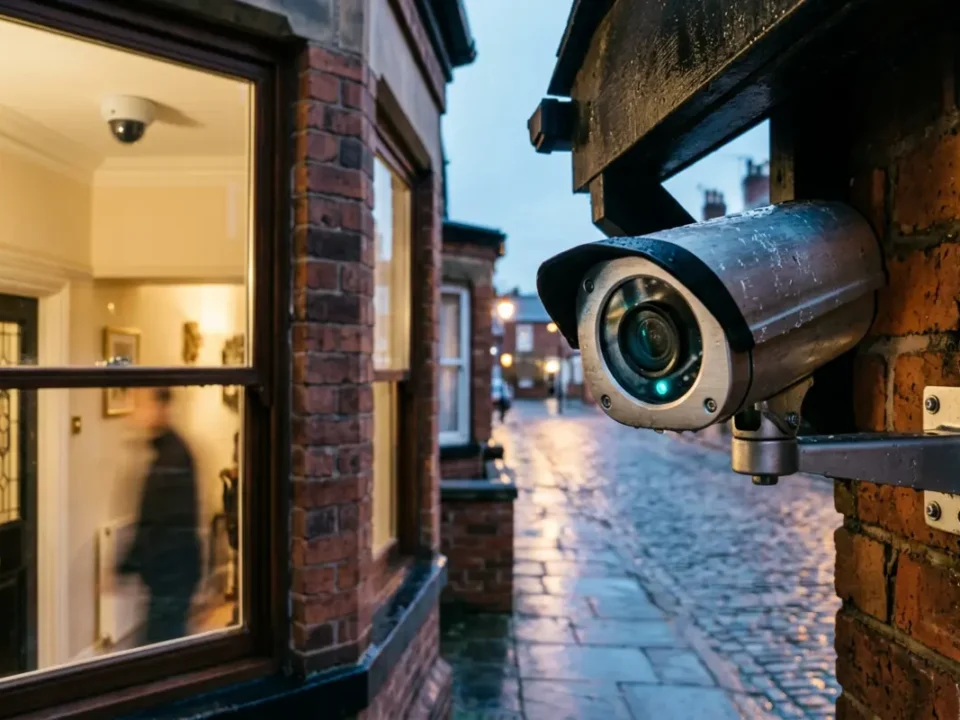
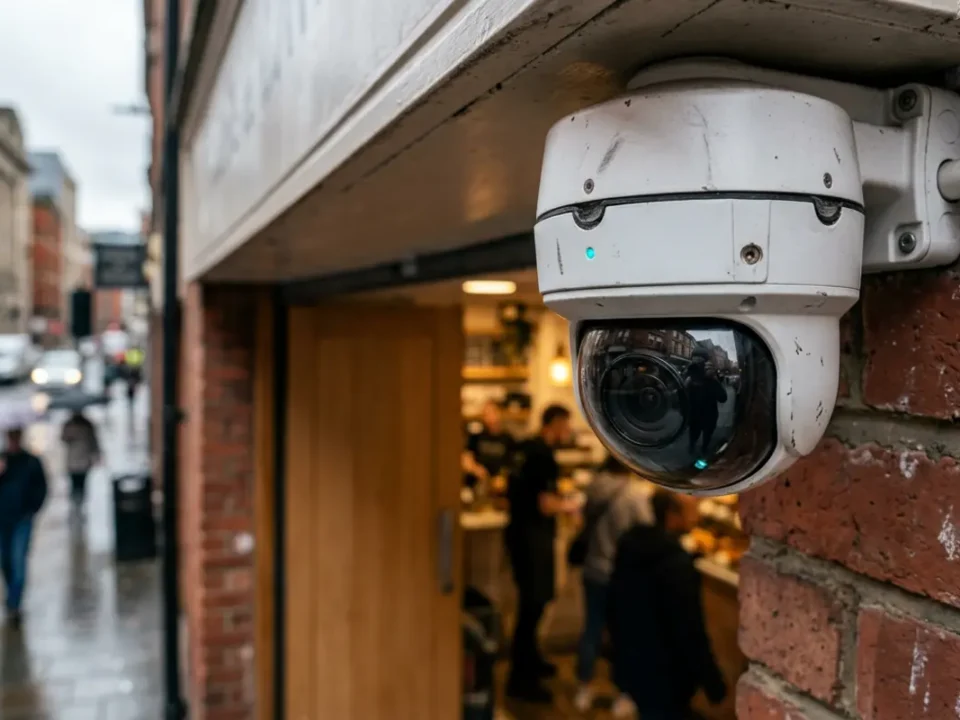
Water ingress is a regular issue in UK weather, especially after heavy rain, frost, or wind driven moisture. Check camera housings, cable glands, seals, and junction boxes for damp patches, corrosion, or loose covers.
Condensation inside the lens cover can blur footage, confuse motion detection, and damage electronics over time. If the camera has been knocked, twisted, sprayed, or deliberately covered, review the last available footage to see when the problem began.
Network And Connectivity Problems
Network faults can affect IP cameras, remote viewing, and cloud based recording. If your router has been replaced, the Wi Fi password has changed, the DHCP range has been altered, or a network switch has been moved, cameras may no longer communicate properly with the recorder.
An IP conflict happens when two devices use the same network address. This can make a camera appear and disappear from the system, which often looks like a camera fault when it is really a network issue.
Weak Wi Fi can also cause missing footage, especially through thick walls, metal structures, busy shops, warehouses, and outbuildings. Where possible, fixed CCTV cameras are more reliable on wired connections because the signal is steadier and less affected by interference.
Remember, an internet outage does not always stop local recording. It may only stop remote viewing, so check local playback on the recorder before assuming everything has failed.
Environmental Causes At Night And Outdoors
If your CCTV is not recording at night, or the footage is black, the issue may be lighting rather than recording. Infrared LEDs help many cameras see in darkness, but they can fail, reflect off nearby walls, bounce off glass, or be blocked by spiders, dirt, and rain marks.
Poor lighting can also stop motion detection from recognising movement properly. Test the camera at night rather than relying only on daytime checks, because a camera view that looks clear at midday may perform very differently after dark.
Extreme UK weather can affect both image quality and hardware. Rain, frost, high winds, heat, condensation, and vibration can loosen brackets, move camera angles, and expose weak seals.
Vandalism or tampering can also cause sudden gaps, especially if a cable has been cut or a camera has been turned away. For higher risk premises, security should be designed with resilience in mind, not just a clear picture on installation day.
Quick CCTV Troubleshooting Checklist
- Confirm whether live view works on the affected cameras.
- Test playback from a known time when activity happened.
- Check whether one camera or all cameras are affected.
- Read and record any DVR or NVR error messages.
- Check hard drive or SD card status before formatting anything.
- Confirm recording schedules, motion settings, and channel status.
- Verify the date, time, and time zone.
- Inspect accessible cables, connectors, camera lenses, and housings.
- Check night vision, lighting, and condensation.
- Note any recent power cut, router change, firmware update, or building work.
- Export important footage before rebooting, resetting, or replacing storage.
When To Call A Professional
Call a qualified engineer if you suspect mains faults, repeated hard drive failures, water ingress, damaged external cabling, recorder overheating, multiple camera failures, or tampering. You should also get support if footage is needed for an active police, legal, or insurance matter, because careless changes can destroy useful evidence.
For commercial monitored CCTV linked with alarms or perimeter detection, SSAIB certified and insurance approved installation is often important for Police Response URN eligibility. Intruder alarm elements should also be designed to EN 50131, commonly Grade 2 or Grade 3 depending on risk. CCTV system design can also be informed by BS EN 62676 where appropriate.
Regular maintenance is the best way to avoid nasty surprises. A good service checks storage health, camera views, night images, firmware support, user access, recording schedules, time settings, and cable condition.
For planned servicing, remote support, and health checks, security maintenance contracts can help spot faults before the one night you really need the footage.
Final Thoughts
If your CCTV has stopped recording, start with the simple checks. Look at playback, power, storage, schedules, and error messages before making major changes. Avoid formatting drives or factory resetting recorders, especially if an incident has already happened.
Most CCTV recording faults have a logical cause, even when the system seems fine at first glance. With regular testing, UPS backup, remote health alerts, and professional servicing, you can make recording failures far less likely and keep your footage available when it counts.
Frequently Asked Questions
Why Is My CCTV Showing Live View But Not Recording?
Live view can work even when storage, recording schedules, motion detection, or recorder settings have failed. Check playback, hard drive status, recording icons, and schedules before changing major settings.
Can A Full Hard Drive Stop CCTV Recording?
Yes, a full hard drive can stop CCTV recording if overwrite is disabled or the drive has a fault. If overwrite is enabled, the system should normally delete the oldest footage automatically, but a failed drive may still stop recording.
Does An Internet Outage Stop CCTV Recording?
Not always, because many DVR and NVR systems record locally even when the internet is down. Cloud based systems or remote viewing may stop until the connection returns, so always check local playback on the recorder.
What Should I Do Before Resetting My DVR Or NVR?
Export important footage, write down error messages, check storage status, and back up settings where possible. A factory reset can erase configuration and may make evidence harder to recover.
Do Insurers Require SSAIB For CCTV And Alarm Systems?
Some insurers may require an SSAIB certified and insurance approved installation, especially where monitored alarms, perimeter detection, or Police Response URN eligibility is involved. Requirements vary, so always check your policy wording.