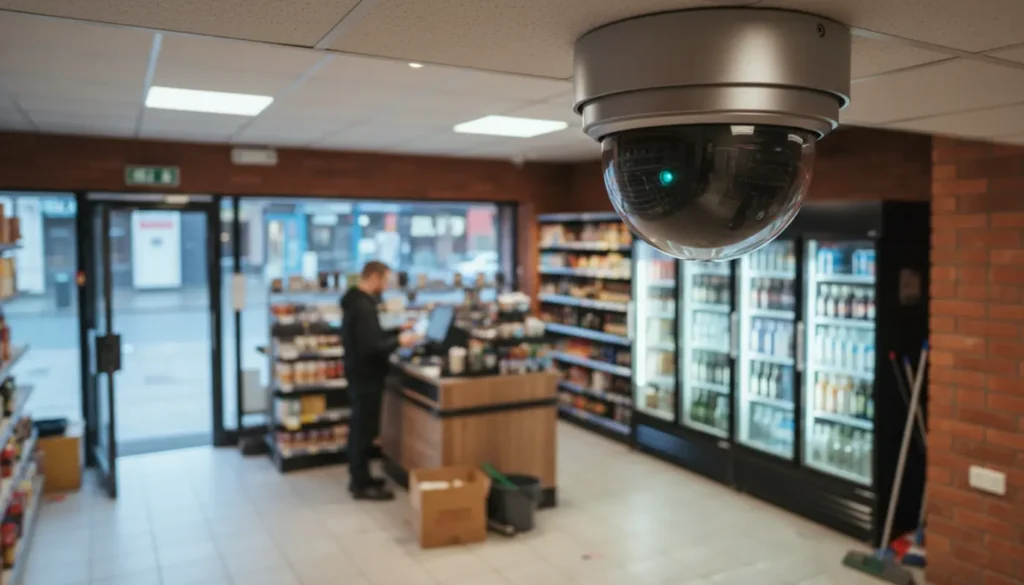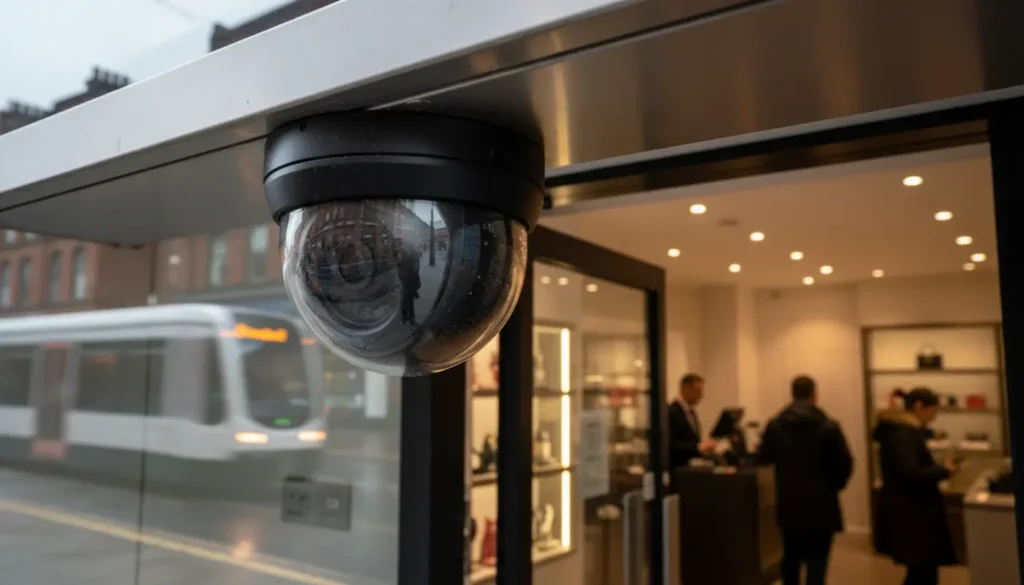
What Is the Best CCTV System for a Small Business?
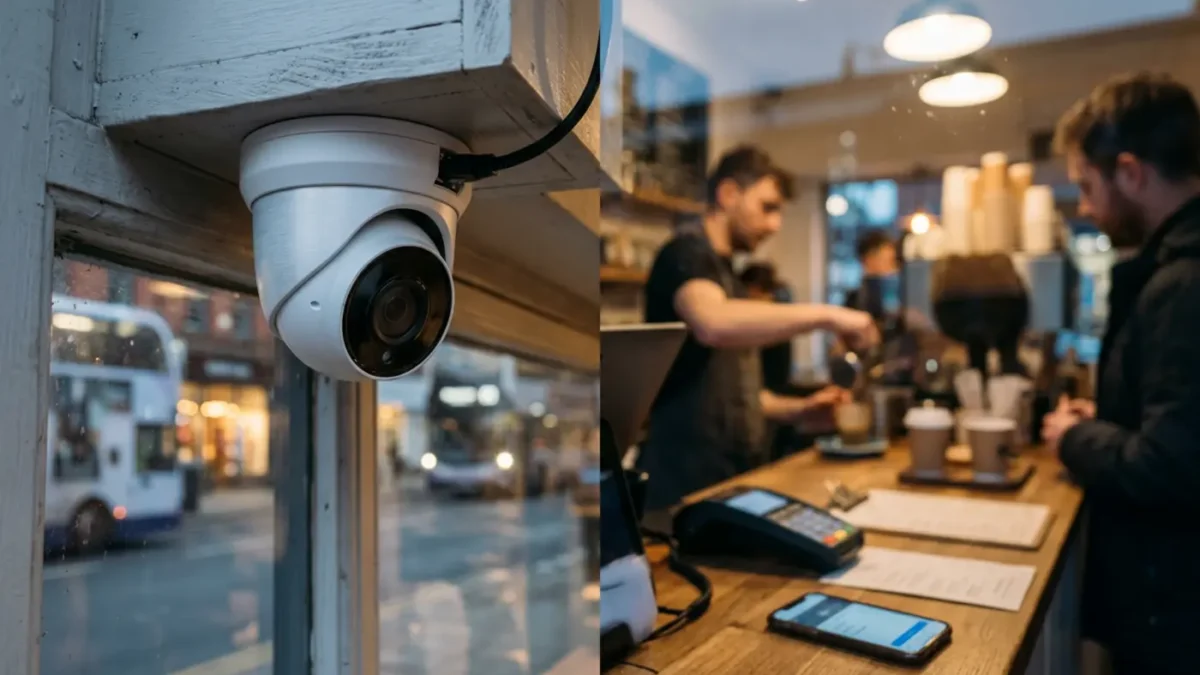
Best CCTV System For Small Business
The best CCTV system for a small business in 2026 is usually a wired IP CCTV system with PoE cameras, an NVR recorder, clear night vision, secure remote viewing and enough storage for a clearly recorded retention period. For many UK shops, offices, cafés and small warehouses, this gives the best mix of image quality, reliability, privacy control and long term value.
- The best overall option is wired IP CCTV with PoE cameras and an NVR.
- The best simple option is wireless or cloud CCTV, as long as reliability and privacy are checked first.
- The best choice for insurer requirements is professionally installed CCTV with the right approvals, such as SSAIB Insurance Approved or NSI approved where needed.
There is no single perfect camera kit for every business, because a quiet office has very different risks from a busy off licence or a small warehouse with vans coming in and out all day. Your system should be planned around the areas you need to protect, such as tills, entrances, stock rooms, staff areas and outside spaces. If you want a sensible starting point, iSecurity Solutions helps UK businesses choose CCTV that fits their layout, budget, insurance needs and day to day security concerns.
CCTV matters because theft, vandalism, staff safety, customer disputes and false claims can all cost time, money and stress. A good system should deter trouble, record useful evidence and be simple enough to use without turning you into a part time detective every time you need to find footage.
Best CCTV System Answer
For most small businesses, the strongest everyday choice is a wired IP CCTV setup using PoE, which means power and data run through one network cable. It is usually more stable than WiFi in busy premises, keeps cabling tidy and makes it easier to add extra cameras later if the business grows.
A practical system would usually include 4MP or 4K cameras where identification matters, an NVR with surveillance grade hard drives, infrared or colour night vision, privacy masking, motion alerts and secure app access. If you are not sure whether you need 4MP or 4K cameras, professional CCTV systems can be designed around entrances, tills, stock areas and blind spots rather than relying on a boxed kit that may not suit the site.
Wireless and cloud based CCTV can still work well for very small premises, rented units or home based businesses where cabling is difficult. The main trade off is that wireless cameras depend on signal strength, battery life or nearby power, while cloud storage depends on broadband and often includes monthly fees.
UK CCTV Legal Requirements For Businesses
If your CCTV records identifiable people, such as staff, customers, delivery drivers or visitors, it will usually fall under UK GDPR and the Data Protection Act 2018. In simple terms, you need a clear reason for using CCTV, you should not record more than you need, and you must keep the footage secure.
Most businesses using CCTV will need to register with the ICO and pay the data protection fee unless an exemption applies. The ICO CCTV guidance explains how organisations should use surveillance fairly, including signs, privacy information, access controls and retention.
You should place clear CCTV signs before people enter monitored areas, not hidden behind a plant pot or an old noticeboard. Signs should say CCTV is in use, explain the reason, identify the operator and provide contact details so people know who to speak to about their data.
A simple CCTV policy is also a wise step, even for a small business. It should explain why CCTV is used, where cameras are placed, who can view footage, how long recordings are kept, how footage is exported, how subject access requests are handled and who checks that the system is still working.
Take extra care with audio recording, facial recognition and workplace monitoring. Audio is more intrusive than video, so it should normally be switched off unless you have a strong and recorded reason, and cameras should not be used to monitor staff performance unless that purpose is properly justified and clearly explained.
Types Of CCTV Systems Explained
Analogue CCTV
Analogue HD systems, including HD TVI and AHD, use coaxial cabling and are often found in older premises. They can still deliver good images, especially when existing cables are being reused, but they are usually less flexible than modern IP systems for smart alerts, remote access and future expansion.
IP CCTV And PoE Cameras
IP cameras work over a network, much like computers and printers. PoE cameras are a popular business choice because one Ethernet cable carries both power and data, which reduces clutter and improves reliability when compared with plug in cameras placed around the building.
Wireless And Cloud CCTV
Wireless CCTV can be quick to install, but it is not a perfect fix for every site. Thick walls, weak WiFi, busy networks and power issues can all affect performance, while cloud systems need careful checks around subscription costs, user permissions, data location, export options and retention controls.
Hybrid CCTV
A hybrid setup combines local recording with cloud access or cloud backup. This is useful when you want recordings to continue during an internet outage but still need remote viewing or off site copies of important clips.
Key CCTV Features To Compare
Resolution matters, but it is not the whole story. A 4K camera may sound impressive, yet if it is mounted too high, pointed into glare or fitted with the wrong lens, it may record a clear view of someone’s hat rather than their face.
For small business CCTV, 4MP is often enough for general coverage, while 4K can be useful at entrances, tills, loading bays and areas where identification is important. Lens angle, distance, lighting, frame rate and video compression all affect whether footage is useful as evidence.
Night vision deserves proper attention because many incidents happen outside trading hours. Infrared cameras work in darkness, colour night vision can give more detail where there is some light, and white light cameras can act as a deterrent when they are positioned carefully to avoid glare.
Smart alerts can save you from constant notifications caused by rain, pigeons and the occasional carrier bag blowing past the door. Look for human and vehicle detection, alert zones, schedules and the ability to reduce false alarms without missing real activity.
Remote viewing should be secure as well as convenient. Use unique passwords, individual user accounts, two factor authentication where available, restricted permissions, firmware updates and safe network settings, because a CCTV system should protect your business rather than create another weak point.
Storage Options For Small Business CCTV
DVRs are normally used with analogue cameras, while NVRs are used with IP network cameras. A DVR processes video from cameras over coaxial cable, while an NVR records digital video streams from network cameras, usually over Ethernet.
Local hard drive storage is common because it avoids compulsory cloud fees and can keep recording if the internet drops. The drawback is that the recorder could be damaged, stolen or destroyed, so it should be placed securely and important incident clips should be backed up quickly.
Cloud storage gives off site access and can be useful for multiple sites, but it adds ongoing costs and relies on broadband. Before choosing cloud CCTV storage, check who controls the data, how footage is protected, how users are managed and how easy it is to download evidence.
Thirty days of footage is a common target for small businesses, but it is not a fixed legal rule. UK guidance says footage should be kept only as long as necessary, so your retention period should reflect your business need, incident reporting patterns, insurance expectations and privacy duties.
Choosing CCTV By Business Type
Retail shops usually need clear coverage of entrances, tills, payment areas, aisles and stockrooms. The aim is not to film every corner like a television set, but to capture useful evidence while respecting customer and staff privacy.
Offices normally benefit from cameras at entrances, reception, shared corridors, server rooms and equipment stores. Constant desk monitoring can feel heavy handed and may create privacy issues, so office CCTV should focus on security, access points and valuable assets.
Pubs, restaurants and cafés need careful camera placement because lighting changes throughout the day and reflective surfaces can cause glare. Entrances, bars, tills, delivery areas and external seating zones may need coverage, but audio recording should usually stay switched off unless there is a recorded reason.
Warehouses and industrial units often need cameras at loading bays, vehicle areas, shutters, perimeter gates and high value stock locations. Longer distances may require different lenses, better lighting and more storage than a simple shop system.
Home based businesses should separate domestic privacy from business security as much as possible. If customers, couriers or staff visit your property, you may still need signs, a privacy notice and careful camera angles that avoid neighbours’ gardens or unnecessary public space.
Professional Installation Versus DIY CCTV
DIY CCTV can suit a very small, low risk premises with one or two cameras, reliable WiFi and an owner who is comfortable with setup, updates and troubleshooting. The risks are poor camera angles, weak passwords, missing signs, patchy storage and footage that looks fine on a phone until you actually need to identify someone.
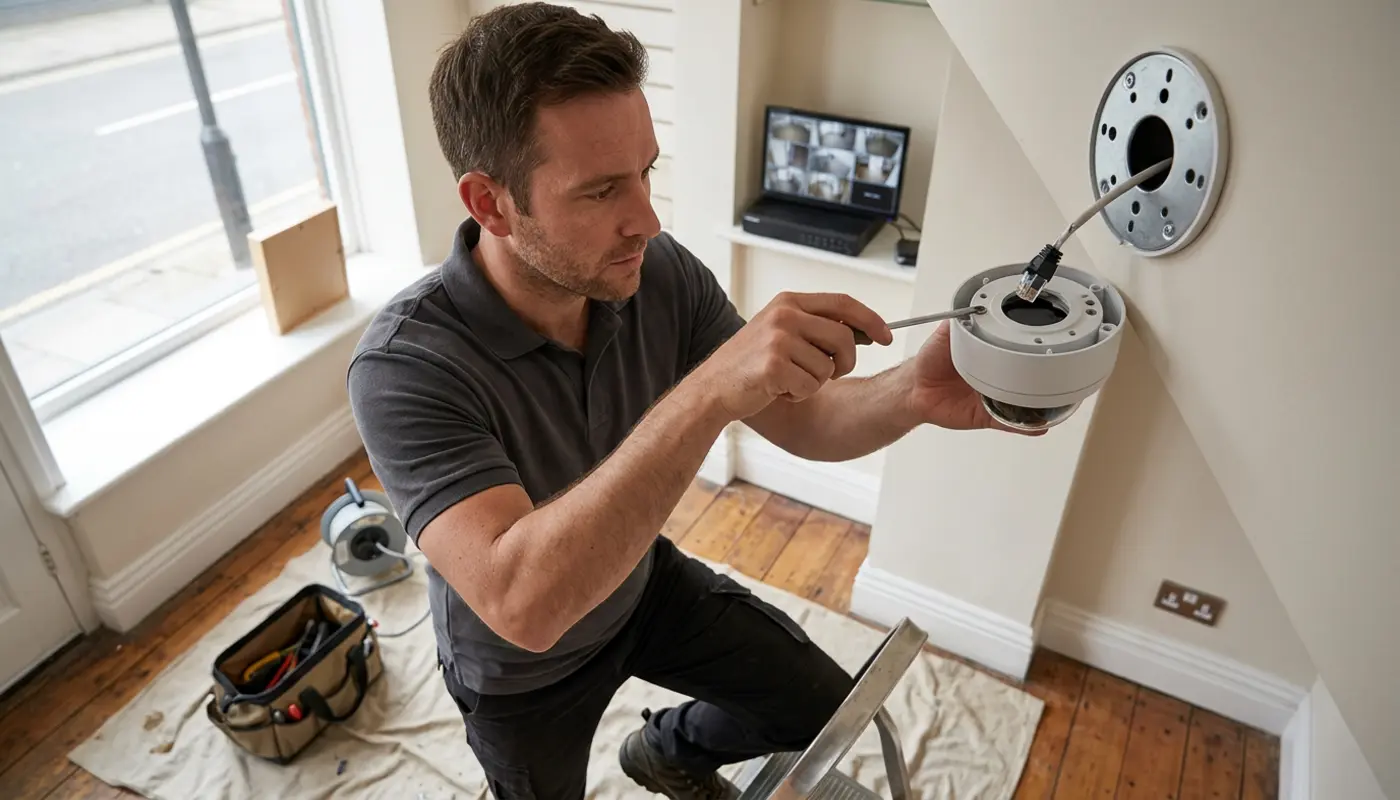
Professional design becomes more valuable when you have several entrances, difficult cabling, high value stock, multiple users, remote access needs or insurer requirements. A good installer should provide a camera plan, explain coverage, configure storage, set privacy masks and show you how to export footage correctly.
For CCTV, BS EN 62676 is the key system standard to understand, while EN 50131 is commonly referenced around electronic security systems and is especially relevant when CCTV forms part of a wider security setup with alarms. For monitored CCTV where police dispatch is expected, ask about the Police Response URN process, because SSAIB Insurance Approved certification is commonly a prerequisite for that route. Businesses may also want to ask whether an installer is NSI approved, especially when insurers have specific requirements.
Small businesses often pair CCTV with alarms, access control and maintenance so the whole system works together rather than acting as separate gadgets. For wider security planning, business security installation can help you compare CCTV, alarms, access control and monitoring in one joined up plan.
iSecurity Solutions is a trusted UK provider of commercial and domestic security systems, helping homes and businesses stay protected around the clock. From CCTV and intruder alarms to fire safety, access control and construction site monitoring, the team designs reliable, tailored solutions backed by responsive service and modern remotely monitored technology.
CCTV Costs And Ongoing Expenses In 2026
UK CCTV installation costs vary because every building is different. The final price depends on camera count, cable routes, recorder size, storage duration, camera resolution, working height, lighting, network equipment, remote access, cloud subscriptions and whether monitoring or maintenance is included.
A small two camera system will cost far less than a six camera shop setup with an NVR, PoE switch, signs, configuration and training. Ongoing costs may include hard drive replacement, annual maintenance, app or cloud subscriptions, firmware checks, camera cleaning and optional remote monitoring.
Insurance discounts are possible in some cases, but you should never assume CCTV automatically lowers premiums. Speak to your insurer before buying, ask whether they require a specific standard, installer approval, maintenance record or monitored response, and keep paperwork safe for renewals and claims.
CCTV Brands Available In The UK
Brand names matter less than suitability, support and correct installation. Instead of asking only which brand is best, compare warranty, app security, firmware updates, storage options, user permissions, UK availability, compatibility and whether the system is built for continuous business recording.
- Reolink: Useful for small IP and WiFi setups, with local and cloud options, but check commercial warranty, user controls and long term firmware support.
- Ring: Good for simple app based viewing on very small sites, although subscriptions, privacy settings and recording limits need careful review.
- Swann: A common choice for consumer and small business kits, with DVR, NVR and app options, but recorder compatibility should be checked before purchase.
- Lorex: Often focused on local storage systems, although UK availability, support and data handling should be confirmed.
- Uniview: A strong fit for professional IP CCTV projects, especially installer led systems with NVR and network storage.
- EZVIZ: Accessible smart cameras for lighter requirements, with cloud and local options, but commercial suitability and user permissions should be checked.
- Axis: Professional network video with flexible storage options, usually at a higher cost, so make sure the features are proportionate for a small business.
Some businesses also look for alternatives to certain CCTV manufacturers because of procurement policies, cyber security preferences or support needs. Whatever you choose, compare like with like, because a cheap 4K camera with weak night performance may be worse than a well placed 4MP camera with the right lens.
For a practical look at camera planning in a commercial setting, you can read about CCTV for retail shops and see how camera placement, lighting and business risks shape the final design.
Small Business CCTV Buying Checklist
- Define what you need CCTV to achieve, such as deterrence, identification, staff safety or stock protection.
- Draw a simple plan showing entrances, tills, stock areas, car parks, loading bays and blind spots.
- Choose wired IP CCTV with PoE for reliability where cabling is possible.
- Use 4MP or 4K cameras only where the extra detail is genuinely useful.
- Check night vision in real conditions, not just on a glossy product page.
- Decide between NVR, DVR, cloud or hybrid storage before buying cameras.
- Set a justified CCTV retention period and automatic deletion.
- Add signs, a privacy notice and a CCTV policy before recording starts.
- Register with the ICO and pay the data protection fee if required.
- Secure remote access with strong passwords, user permissions and updates.
- Test playback and exporting, because footage you cannot retrieve will not help much.
- Ask your insurer about standards, maintenance and evidence requirements.
Final Thoughts On The Best CCTV System
The best CCTV system for a small business is not always the most expensive one, the highest resolution one or the one with the flashiest app. It is the system that records the right areas, produces usable evidence, respects privacy, fits your budget and keeps working when you need it.
Start with the risks in your premises, then choose the cameras, storage and remote access around those needs. If you are unsure, get a site specific assessment before spending money, because the right advice early on can save you from buying twice.
If you would like help choosing the right CCTV setup for your premises, speak to iSecurity Solutions about CCTV systems for practical advice and a site specific recommendation.