How to Control Your Intruder Alarm from Your Phone?
Intruder Alarm Phone Control
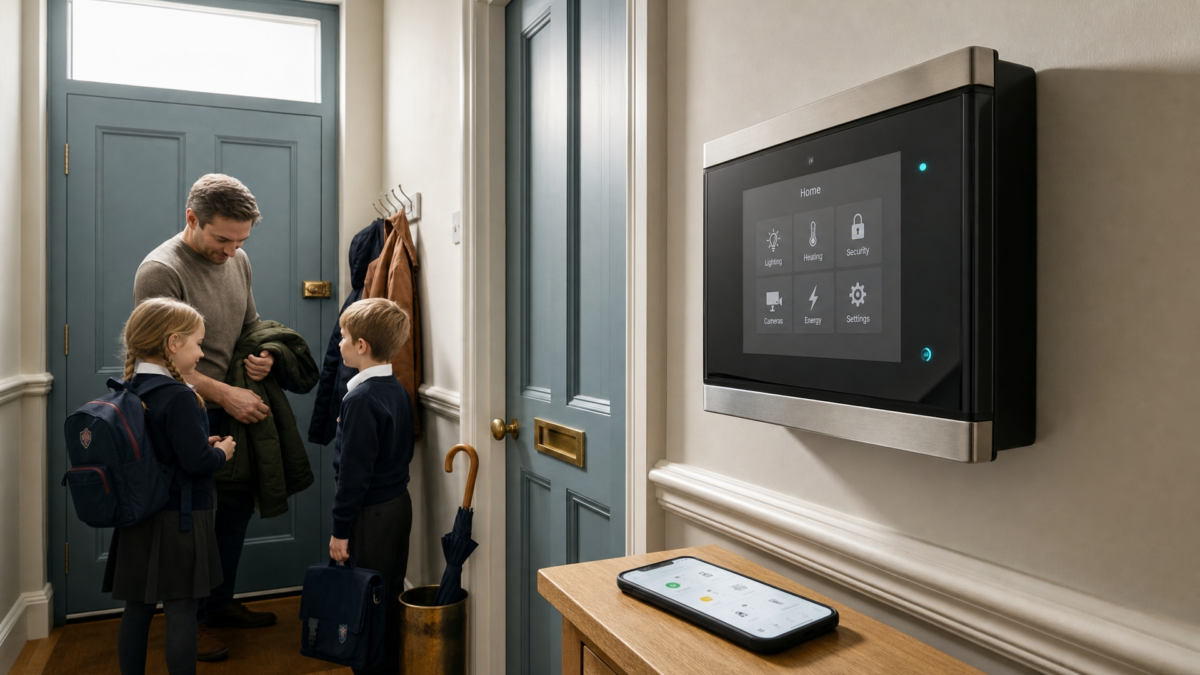
You can control your intruder alarm from your phone when your alarm panel supports a suitable app, cloud service or alarm communication module. In simple terms, the alarm needs a safe and reliable way to connect to your smartphone through broadband, mobile data or a professionally managed alarm link.
For UK homeowners, landlords and small businesses, phone control is useful because it lets you arm, disarm, check the system status, receive push alerts and view alarm history without standing at the keypad. If you have ever left home and wondered whether you actually set the alarm, you are far from alone. For a dependable setup rather than a gadget that works only when it feels like it, iSecurity Solutions can assess your property, alarm panel and monitoring needs before you upgrade.
App access is convenient, but it should still be set up properly, especially if your insurer expects a certified intruder alarm, professional monitoring or a Police Response URN. The goal is to make daily use easier without weakening the protection your alarm is there to provide.
Can You Control An Existing Intruder Alarm From Your Phone?
Yes, many existing intruder alarms can be upgraded for phone control, although it depends on the alarm control panel, its age, firmware and available connection options. A wired alarm is not automatically out of date, because wired usually describes how the sensors connect to the panel, not whether the panel can connect to an app.
Some systems only need a compatible internet module, wireless connection module or mobile data communicator, while others may need a panel replacement. If you are planning a wider upgrade, professional intruder alarm systems can be designed with app control, monitoring and insurance requirements in mind from the start.
What Determines App Compatibility?
App compatibility depends on more than the brand name shown on the keypad, because two panels from the same manufacturer can work very differently. You need to check the panel make, exact model, firmware version, expansion ports, existing communicator and whether the manufacturer still supports app access in the UK.
It is also worth checking whether your installer code, user permissions and monitoring agreement allow remote setup. Buying a random module online can be tempting, but alarm panels are not like phone chargers, and the wrong part may simply fail to work or cause faults.
Smart Intruder Alarm App Options In The UK
UK users can choose from several smart intruder alarm app options, including complete smart alarm systems, app enabled professional panels and upgrades for selected existing systems. These options do not all do the same job, so the best choice depends on whether you need a new alarm, an upgrade to a wired system or a professionally installed system with monitoring options.
Some apps are made mainly for basic home control, while others support professional features such as remote arming, remote disarming, event history, user management, fault alerts and monitoring links. Before choosing a product, ask a qualified installer to confirm that it suits your property, your panel and any insurer requirements.
If your home uses wireless detectors or you are comparing new systems, it can help to understand the types of sensors used in modern alarms. You can explore more security advice through the iSecurity Solutions blog before choosing an app connected system.
What You Need Before Setup
Before setup, you need a compatible alarm control panel, a suitable communication module or built in connectivity, stable broadband or mobile data, and an iOS or Android smartphone. You will also need the official alarm app, your alarm user code and any activation details supplied by the installer or manufacturer.
Gather the panel make and model, firmware details, current monitoring information, authorised user list and insurance conditions before anyone starts changing settings. If the system protects a rented property, decide who should have app access and how quickly old users will be removed when a tenancy ends.
Step By Step Setup For Phone Control
Start by identifying the alarm panel, not just the keypad, because the panel is the brain of the system. Make a note of the model label and firmware information, but never post alarm codes, serial numbers or account details online. That is the security version of leaving your spare key under a plant pot that everyone can see.
Next, confirm the official app and compatible module using manufacturer information or a qualified installer. Download the app only from the Apple App Store or Google Play, check the developer name carefully and create an account with a unique password.
Enable two step verification if the app supports it, because remote disarming is sensitive and should never rely on a weak password alone. Pair the app with the panel by following the approved process, which may involve scanning a code, entering an activation key or asking the installer to register the communicator.
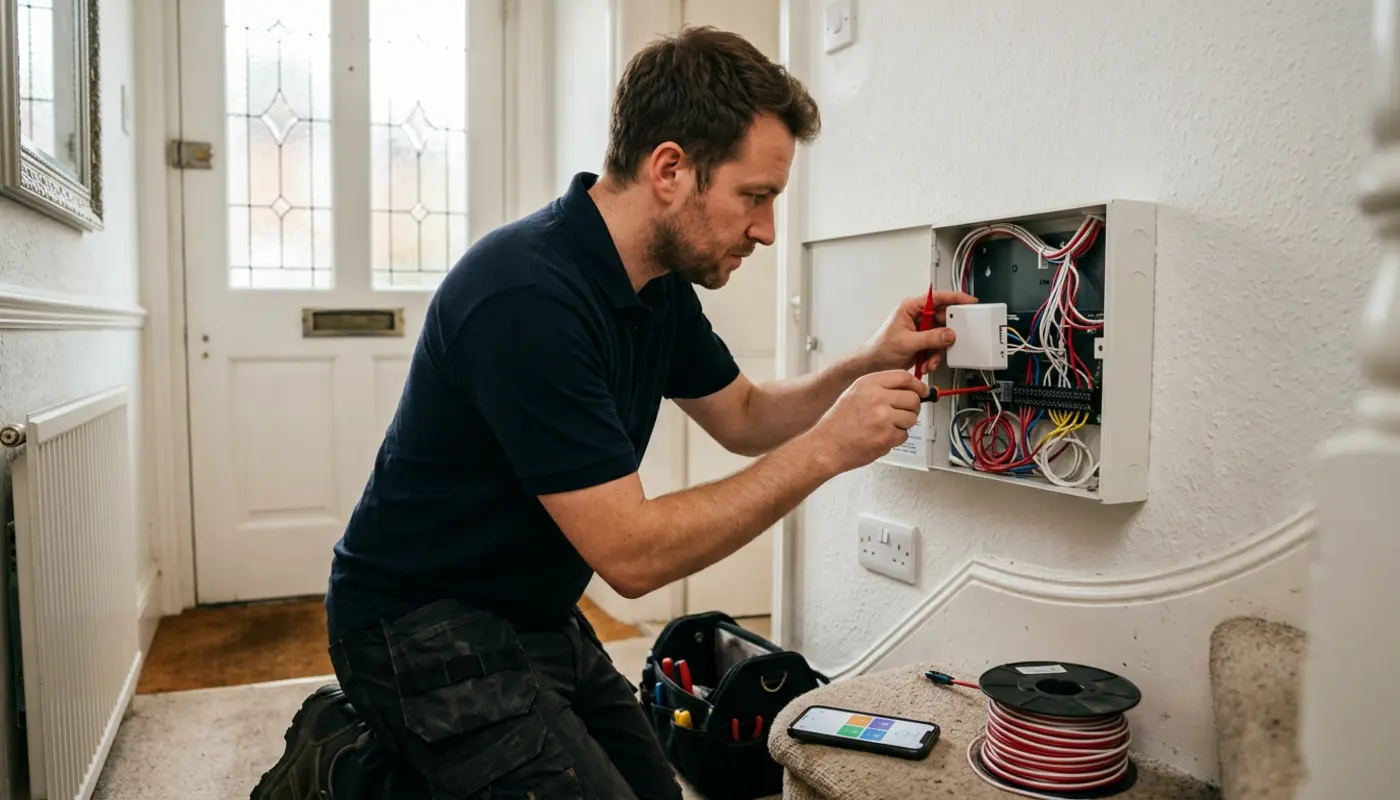
Once paired, add named users rather than sharing one master login with everyone in the household. Test away mode, night mode, disarming, push notifications, tamper alerts, mains power fault alerts and the event log, then confirm that the physical keypad still works normally.
Everyday Features You Can Use
The most useful feature is remote arming, especially when you leave home in a hurry and cannot remember whether you set the alarm. Wouldn’t it be helpful to check from your phone instead of turning the car around? Many apps also show whether doors or windows are open, which helps you avoid failed arming attempts.
Remote disarming can be useful when a trusted person arrives, such as a family member, cleaner or maintenance contractor. It should still be used with care, because disarming from a lost or unlocked phone can create a security risk if your phone security is weak.
Night mode, sometimes called home mode or part setting, protects selected zones while still allowing movement in agreed areas such as bedrooms or hallways. This is useful for families, landlords and anyone who wants protection overnight without setting off the alarm during a late trip to the kitchen.
Alarm history is another useful feature because it shows when the system was armed, disarmed or triggered. For landlords, it can help identify repeated faults, low battery warnings or patterns that need attention before a small issue becomes a larger problem.
Smart Home Integration With Alarms
Many alarm apps can connect with smart home platforms, but support varies by model, region and app version. Voice arming can be convenient, while voice disarming should require a PIN or another secure confirmation method.
Some systems can also link with CCTV, video doorbells, smart lighting and smart locks. For example, a triggered alarm may turn on lights or help you check camera footage, although cameras should support your alarm response rather than replace proper monitoring.
If your alarm links to CCTV or a video doorbell, privacy matters as much as convenience. The UK Government explains when domestic CCTV may fall under data protection rules in its domestic CCTV guidance, especially where cameras capture neighbours, public areas or shared spaces.
Security And Privacy Checklist
Protect your alarm account with a unique password, two step verification and separate accounts for each authorised user. If the app supports biometric login, use it alongside a strong device passcode rather than treating your fingerprint or face scan as the only line of defence.
Keep the alarm app, phone operating system, router firmware and alarm panel firmware updated where supported. Updates may not be exciting, but they often fix security flaws and connection problems that can affect remote alarm use.
Review app permissions for location, notifications, camera, microphone and background activity. Geofence reminders may need location access, but you should still understand what the app collects and who controls the account data.
Landlords need to be especially careful with cameras and shared areas. Avoid cameras in private spaces, tell tenants how the system works, keep a record of who has access and remove former tenants or contractors as soon as access is no longer needed.
Insurance Standards And Police Response
Phone control does not automatically make an alarm acceptable to your insurer, and it does not automatically mean professional monitoring is in place. App alerts usually mean self monitoring, where you or a nominated person receives the alert and decides what to do next.
- Insurer requirements may include a certified alarm, regular maintenance and clear records.
- Professional monitoring sends signals to an alarm receiving centre, which follows an agreed response process.
- Police response may require confirmation technology, correct maintenance, certification and a valid Police Response URN.
- EN 50131 is the key standard family used to grade intruder alarm performance.
- BS 8243 covers confirmed alarm arrangements, while PD 6662 provides a UK framework for intruder and hold up alarm systems.
Where an insurer requires certification, choose an NSI or SSAIB certified and Insurance Approved installer, because certification relates to system design, installation, maintenance and compliance rather than the mere presence of an app. SSAIB certified and Insurance Approved installation is also a common requirement for Police Response URN eligibility where that level of response is needed.
Troubleshooting Common App Alarm Problems
If the app cannot connect, check your phone signal, home broadband, router, alarm panel power and communicator status. If everything else in the house is offline as well, the alarm app may be innocent, so do not blame it until the router has had its moment in court.
If the alarm works from the keypad but not from the app, the communicator may be offline, the app account may be disconnected or the panel may need installer setup. A broadband only setup may also lose remote access during an internet outage unless it has mobile data backup.
During a power cut, the alarm panel should usually rely on its backup battery, but your router may not stay powered unless it has its own backup supply. If remote access is important for a vacant property, ask whether cellular backup is available and whether faults are shown clearly in the app.
False alarms should be checked rather than repeatedly reset. Look for loose doors, draughts, pets, insects, dirty detectors, low batteries and changes in heating or sunlight, then contact an installer if the same zone keeps causing problems.
Typical UK Costs In 2026
Costs vary because some homes only need app activation, while others need a new communicator, panel upgrade or full replacement system. As a rough UK guide, a compatible communication module may cost around £100 to £300, while installer labour and programming can add £120 to £350 depending on the work involved.
A new app ready domestic alarm may range from about £500 to £1,500 for simpler properties, while larger homes, hybrid systems and higher grade designs can cost more. Optional subscriptions may include cloud access, mobile data, camera storage, maintenance and professional monitoring, often billed monthly or yearly.
Ask for an itemised quotation that separates hardware, installation, app setup, monitoring, maintenance, mobile data, cancellation terms and renewal costs. This makes it easier to compare options without being distracted by a very cheap headline price.
Why Professional Setup Matters
A professionally fitted phone controlled alarm should be simple to use day to day, while still being secure and reliable behind the scenes. iSecurity Solutions is a trusted UK provider of commercial and domestic security systems, helping homes and businesses stay protected around the clock with tailored support for CCTV, intruder alarms, fire safety, access control and construction site monitoring.
Whether you are securing one property or managing several sites, the right setup should match your risk, your property layout and your insurer’s expectations. Modern remotely monitored technology can add real peace of mind, but it works best when the equipment, app access and response plan are designed together.
Final Thoughts
Controlling your intruder alarm from your phone can make security easier to manage, especially if you forget to set the alarm, look after a vacant property or manage tenants. The best results come from checking compatibility first, securing the app properly and making sure insurance and monitoring requirements are not missed.
A good phone connected alarm should feel simple in everyday use, while still being professionally designed in the background. If you are unsure whether your current system can be upgraded, the safest next step is to identify the panel and ask a qualified installer to confirm your options.
If you would like a clear next step, speak with iSecurity Solutions about an alarm compatibility check. The team can help you review app control, monitoring options and insurance requirements without turning the process into a technical headache.
Frequently Asked Questions
Can I Control Any Burglar Alarm From My Phone?
No, the alarm panel must support a compatible communicator, cloud service or manufacturer app. Older systems may need an upgrade or replacement before phone control is possible.
Can A Wired Alarm Be Upgraded For App Control?
Often, yes, because wired sensors do not stop the panel from using remote communication. The panel model, firmware and compatible module must be checked before buying parts.
Does Phone Control Mean Professional Monitoring?
No, app alerts usually mean self monitoring unless your alarm also connects to an alarm receiving centre. For police response, you may need certified monitoring, confirmation technology and a Police Response URN.
Do I Need An SSAIB Installer For A Phone Controlled Alarm?
If your insurer or police response arrangement requires certification, use an SSAIB certified and Insurance Approved installer. SSAIB certified and Insurance Approved installation is commonly needed before a Police Response URN can be issued.
Will My Alarm App Work If Broadband Goes Down?
The local keypad and siren may still work, but remote access and push notifications can stop if there is no backup connection. A mobile data communicator can help keep alerts working during broadband outages.